


Pinterest offers multiple ways to earn real income, from affiliate marketing and brand partnerships to direct product sales and traffic-driven ad revenue. The platform’s 600 million monthly active users represent a massive audience actively searching for products and inspiration. You can start monetizing today if you approach it strategically.
The truth is, most creators jump into Pinterest expecting overnight success. They fail because they skip the foundation work.
Success on Pinterest requires building real audience engagement before asking for anything. You need quality content, keyword optimization, and consistent posting. Then you layer in monetization through proven methods.
I was one of the early users of Pinterest, when they required an invitation from another user to join, and for many years it has generated the most traffic to this blog than any other social network. Feel free to follow me on Pinterest here. Back to my blog post.
This comprehensive guide will walk you through every monetization method that works on Pinterest. You’ll learn how to set up your business account properly, choose the right revenue streams for your niche, and scale your income systematically. No fluff, no get-rich-quick schemes.
Why Pinterest Works for Making Money
Pinterest functions differently from traditional social media platforms. Users come with buying intent searching for products and services.
They’re planning weddings, remodeling homes, shopping for gifts, and researching purchases. This makes Pinterest ideal for monetization because you’re reaching people in decision mode.
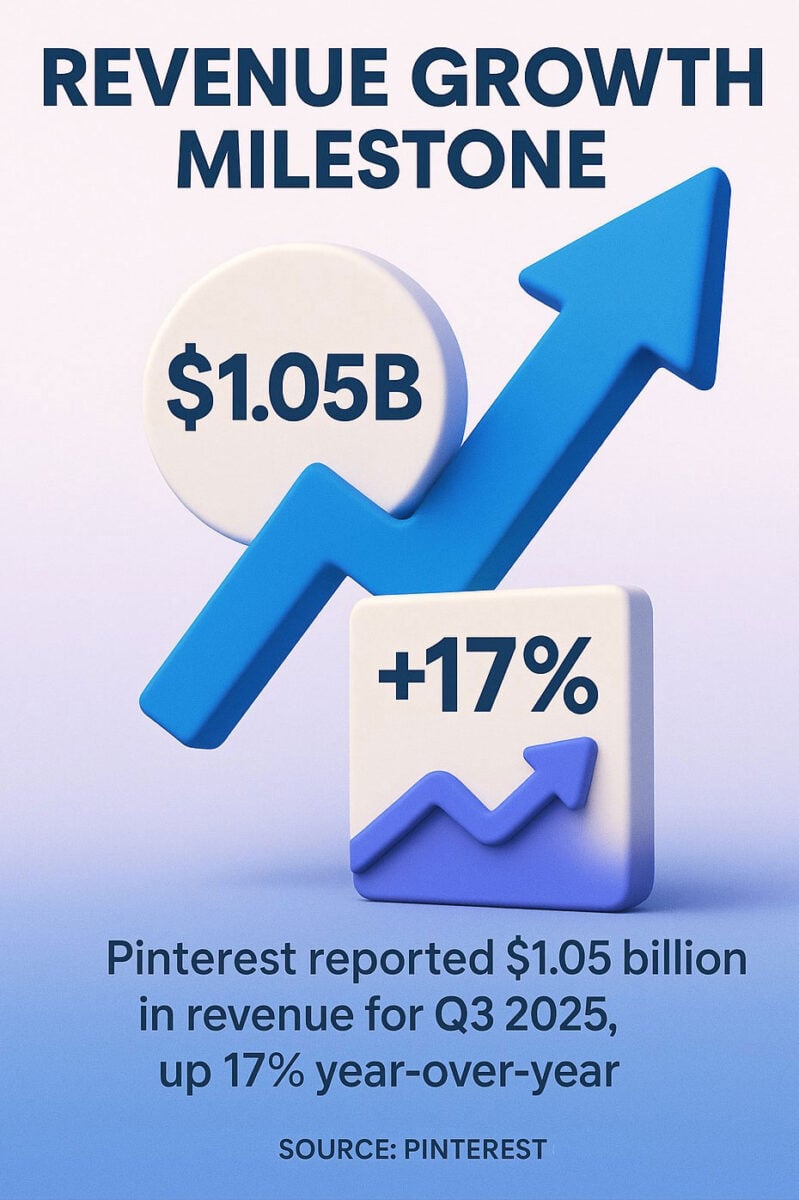
The platform reported $1.05 billion in revenue for Q3 2025, up 17% year-over-year. That growth reflects both advertiser confidence and user engagement. When platforms grow like this, creators benefit from increased visibility and better monetization tools.
Pinterest content has serious staying power. A well-optimized Pin can drive traffic for months or years. Think of Pinterest as a more of a search or discovery engine rather than your traditional social network.
In that respect, your content works like passive income generators. Create once, earn repeatedly as new users discover your Pins through search.

How Pinterest Discovery Benefits Creators
The platform prioritizes evergreen content over trending posts. This means your Pins don’t expire after 24 hours like Instagram Stories.
Users actively search Pinterest using keywords. Your Pins appear in search results when they match user queries. This search-based discovery gives you sustainable traffic without needing viral moments.
Pinterest also shows your content to users through the home feed and related Pins. The algorithm recommends your content based on user interests and behaviors.
Audience Intent Makes All the Difference
Pinterest users plan and purchase. They save Pins to boards for future reference.
This behavior creates multiple touchpoints. Someone might save your Pin today and click through to purchase next week. The platform supports longer consideration cycles that suit higher-priced products and services.
People trust Pinterest for recommendations. They’re looking for solutions and inspiration, which means they’re receptive to affiliate links and product suggestions when presented authentically.
Setting Up Your Pinterest Business Account
Start with a business account, not a personal one. Business accounts unlock analytics, advertising tools, and monetization features you need to earn money. Compared to other social networks, I have not found that your reach will be less by having a business account on Pinterest.
Converting takes two minutes if you already have a personal account. Go to Settings, select Account Management, and click “Convert to business account.”
Choose your business type carefully. Your selection affects which features Pinterest surfaces in your dashboard.
Essential Profile Optimization Steps
Your profile needs keyword optimization from day one. Pinterest reads your profile description when deciding where to show your content.
Is Your LinkedIn Not Delivering Results?
Just released: my new book to help professionals, entrepreneurs, and business owners maximize LinkedIn for real growth.
With years of LinkedIn expertise, Maximizing LinkedIn for Business Growth offers actionable steps to build your brand, expand your network, and drive results.
Start leveraging LinkedIn like never before—grab your copy now! Click the cover or button below to buy on Amazon.

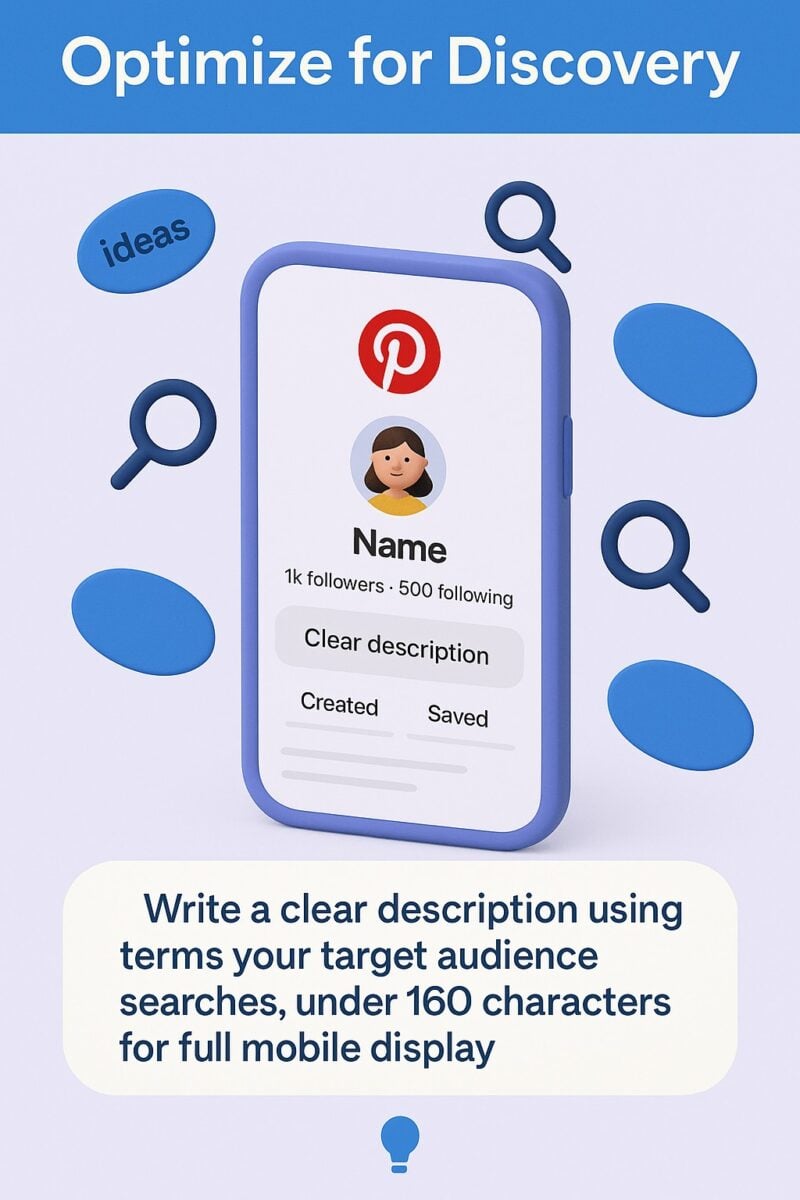
Write a clear description using terms your target audience searches. Include what you offer and who you help. Keep it under 160 characters for full display on mobile.
- Link your website immediately to start driving traffic
- Verify your website through Pinterest’s verification process
- Add your location if you serve local customers
- Upload a professional profile image at 165×165 pixels minimum
Verification matters more than most creators realize. It unlocks analytics about how people engage with your website content on Pinterest, plus adds a checkmark that builds trust.
Board Strategy That Supports Monetization
Create boards around specific topics your audience cares about. Each board should target clear keyword phrases.
Name boards using search-friendly terms. “Budget Travel Tips” beats “Wanderlust Dreams” every time.
Write board descriptions with keywords too. Pinterest treats these as SEO signals. Aim for 150-500 characters explaining what users find in each board.
Start with 5-10 focused boards. You can expand later, but concentrated boards with consistent content perform better than scattered, thin boards.
Affiliate Marketing on Pinterest
Affiliate marketing generates income when users click your links and purchase products. You earn a commission percentage on sales.
Pinterest explicitly allows affiliate links in Pins. This makes it one of the best platforms for affiliate marketers.
Most successful Pinterest affiliate marketers focus on product recommendations within specific niches. Home decor, fashion, food, and DIY projects work particularly well because users actively seek product solutions.
Choosing the Right Affiliate Programs
Join affiliate programs that match your content and audience interests. Popular networks include:
Research commission rates before committing. Some programs offer 1-3% while others pay 20-50%. Higher-priced items with lower percentages can still generate good income.
Physical products typically pay less than digital products or services. A $50 course with 40% commission earns more per sale than a $100 sweater with 4% commission.
Creating Affiliate Pins That Convert
Design vertical images at 1000×1500 pixels minimum. Pinterest favors this aspect ratio in feeds and search results.
Show the product clearly. Users need to see what they’re clicking toward.
Add text overlays with benefits or key features. Phrases like “Top-Rated Kitchen Tool” or “Save 30% on Organization” tell users why they should click.
Write Pin descriptions loaded with keywords and clear calls to action. Explain what the product does and why you recommend it. End with “Click to shop” or similar direction.
Always disclose affiliate relationships. Add “#affiliate” or “affiliate link” in your Pin description to maintain trust and comply with FTC guidelines.
Scaling Your Affiliate Income
Track which products and Pin styles generate clicks and sales. Pinterest Analytics shows which Pins drive outbound clicks.
Most affiliate programs provide conversion data. Compare Pinterest traffic performance against other sources.
Create multiple Pins for your best-performing affiliate products. Different images, headlines, and descriptions reach different audience segments.
Schedule Pins consistently rather than batch-posting. Tools like Tailwind and Pin Generator help maintain steady presence without daily manual work.
Brand Partnerships and Sponsored Content
Brand partnerships involve getting paid to create content featuring company products or services. These paid collaborations can be more lucrative than affiliate marketing.
Brands seek Pinterest creators with engaged audiences in specific niches. Your follower count matters less than audience quality and engagement rates.
Partnerships typically pay flat fees, free products, or both. Some also include performance bonuses based on engagement or sales.
Building a Portfolio That Attracts Brands
Brands evaluate your content quality, audience size, engagement rates, and niche relevance. Present these clearly in a media kit.
Your media kit should include:
- Monthly Pin impressions and engagement stats
- Audience demographics from Pinterest Analytics
- Examples of your best-performing Pins
- Brief bio explaining your niche expertise
- Contact information and collaboration opportunities
Focus on one or two specific niches rather than trying to appeal to everyone. Brands prefer creators with clear audience focus.
Create consistent, high-quality content that demonstrates your style. Brands want to see what they’re paying for before reaching out.
Finding and Pitching Brand Deals
Start with brands you already use and love. Authentic partnerships perform better and feel more natural to your audience.
Many brands list influencer program details on their websites. Check for “Creator Programs,” “Brand Ambassador,” or “Influencer Partnerships” pages.
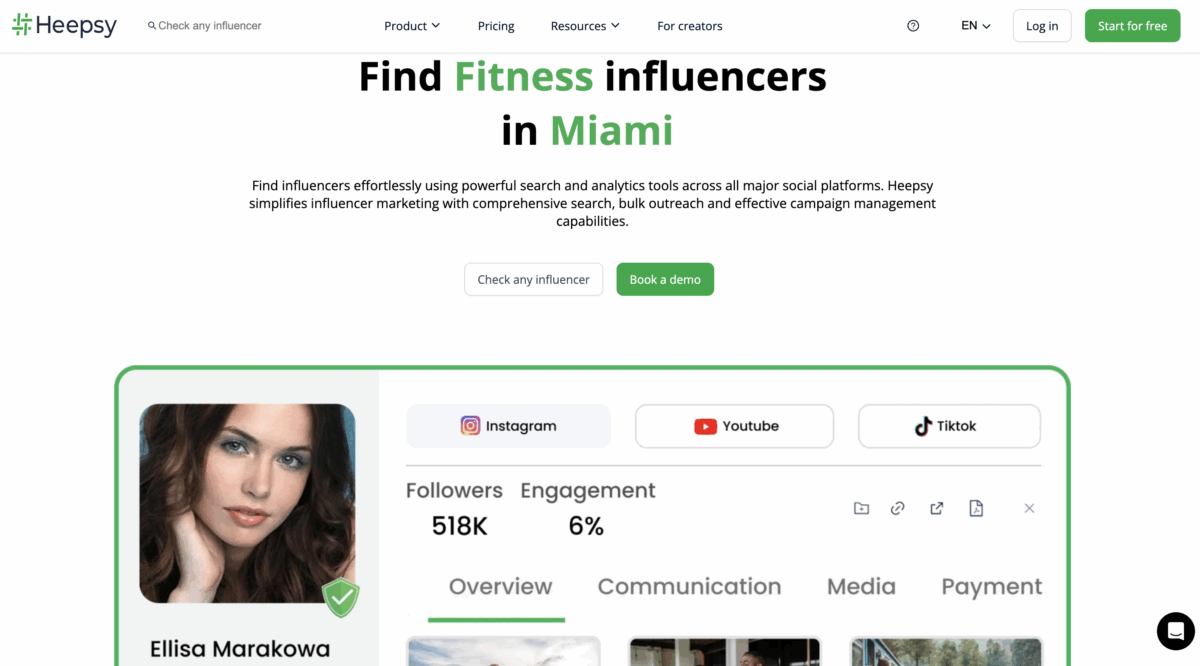
Influencer marketing platforms connect creators with brands. Join platforms like Heepsy or Saral to access partnership opportunities. You can find a complete list of influencer apps I recommend here.
When pitching directly, personalize each email. Explain why you’re a good fit for their brand and include specific collaboration ideas.
Using Pinterest’s Paid Partnership Tool
Pinterest requires creators to tag sponsored content using the paid partnership tool. This adds a “Paid partnership” label to your Pins.
Transparency builds trust with your audience while keeping you compliant with advertising regulations. Access the tool when creating Pins by selecting “Tag paid partnership” in Pin settings.
Brands can see performance metrics for tagged Pins through Pinterest’s Brand Partner Program. This data helps them evaluate partnership success.
Selling Products Directly on Pinterest
Pinterest supports direct product sales through product Pins and shopping features. Users can discover, save, and purchase without leaving the platform.
Product Pins show real-time pricing, availability, and purchase options. They stand out with special formatting that signals shoppability.
Setting up product catalogs connects your online store inventory to Pinterest. Your products automatically sync and appear in relevant searches.
Setting Up Product Catalogs
Connect your e-commerce platform to Pinterest. Native integrations exist for Shopify, WooCommerce, and other major platforms.
Your product data feeds to Pinterest automatically. Price changes, stock updates, and new products sync without manual uploads.
Product tags let you tag items directly in Pins. When users click tagged products, they see pricing and shopping details.
Upload your catalog through Pinterest Business Hub. Follow the product data specifications Pinterest provides to ensure proper formatting.
Optimizing Product Pins for Sales
Show products in context. Lifestyle images outperform plain product shots because users visualize using the item.
Use multiple angles and settings. Create several Pins per product showing different uses or styling options.
Write detailed Pin descriptions with keywords users search. Include product benefits, materials, dimensions, and use cases.
Price your products competitively. Users compare options across multiple Pins. Your products need compelling value propositions to convert clicks into sales.
Virtual Try-On and Shopping Features
Pinterest’s virtual try-on tools have advanced to include body type matching for clothing products. This technology helps users visualize how items look on them.
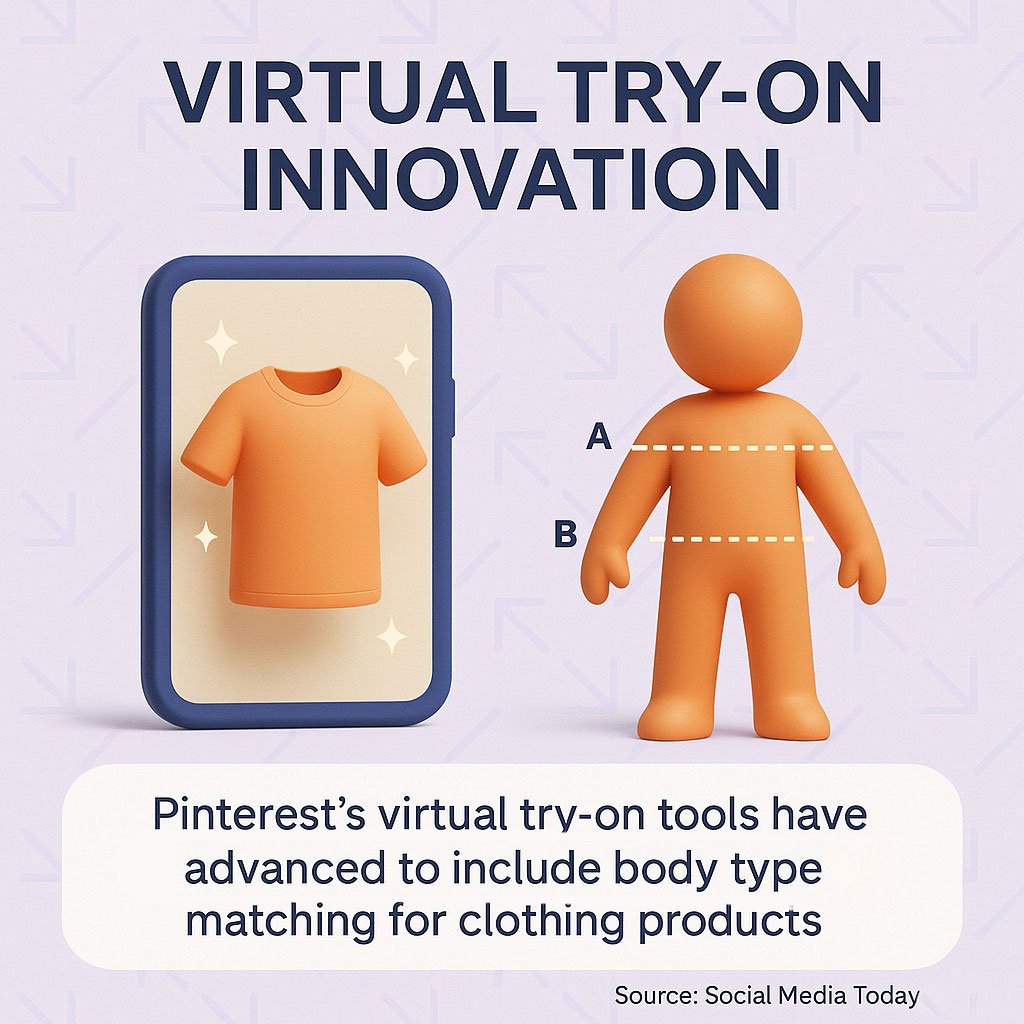
These features reduce purchase hesitation. Users feel more confident buying when they preview how products fit their style and body.
Shopping ads expand your product reach through paid promotion. You can target specific demographics, interests, and keywords to find buyers.
Using Pinterest Ads to Boost Revenue
Pinterest ads accelerate growth and monetization. Paid promotion puts your content in front of targeted users actively searching related topics.
Ad formats include Promoted Pins, shopping ads, video ads, and carousel ads. Each serves different goals from brand awareness to direct sales.
You set your own budget and bid strategy. Start small to test performance before scaling successful campaigns.
When Organic Reach Needs Paid Support
New accounts benefit from initial ad spending. Ads help you build momentum faster than waiting for organic growth alone.
Seasonal businesses should advertise during peak planning periods. Wedding content needs promotion 6-12 months before wedding season. Holiday products require ads starting in early fall.
Promote your best organic content. Take Pins that already generate saves and clicks, then amplify them with ad spending.
Creating Profitable Ad Campaigns
Start with traffic campaigns to drive website visits. Track which Pins generate the most engaged traffic.
Conversion campaigns optimize for specific actions like purchases or email signups. Install the Pinterest tag on your website to track these conversions.
Test different audiences. Pinterest lets you target by interests, keywords, demographics, and custom audiences.
Monitor cost per click and return on ad spend. Stop campaigns that don’t generate profit. Scale winners by increasing budget gradually.
Ad Creative That Performs
Use the same visual best practices as organic Pins. Vertical images, clear product shots, and benefit-focused text overlays work for ads too.
Test multiple variations. Create 3-5 different images for each product or offer to identify what resonates.
Keep ad copy concise and action-oriented. Focus on what users gain by clicking.
Refresh ad creative regularly. Users see repeated ads as noise. New images maintain engagement and click-through rates.
Driving Traffic to Your Blog or Website
Many creators monetize by driving Pinterest traffic to blogs or websites. Display ads, sponsored posts, and product sales on your site generate revenue.
Pinterest works especially well for blog traffic. Users seek detailed information and tutorials, making them ideal blog visitors.
Each Pin linking to your site brings potential customers to your monetization ecosystem. You control the experience and can present multiple revenue opportunities.
Creating Pins That Generate Clicks
Design Pins specifically for click-through. Use curiosity-building headlines and compelling visuals that make users want to learn more.
Partial information works well. Show the end result but require clicking to see the process. “5 Kitchen Organization Hacks” makes users click to discover the actual hacks.
Include clear value propositions. Users need to know what they get by clicking. “Free meal planning template” is clearer than “Meal planning made easy.”
Add your website logo or branding to Pins. This builds recognition and trust over time. Users become familiar with your content style.
Optimizing Your Website for Pinterest Traffic
Make your site mobile-friendly. Most Pinterest users browse on phones and expect fast-loading, readable mobile experiences.
Add Pin It buttons to blog images. Make it easy for visitors to save and share your content back to Pinterest.
Create content that matches Pin intent. If your Pin promises “10 Budget Travel Tips,” your blog post must deliver exactly that.
Use internal linking to keep visitors on your site. Guide them to related content, product pages, or email signup forms.
Monetizing Blog Traffic From Pinterest
Display advertising through networks like Mediavine or AdThrive generates passive income. You need significant traffic to qualify for top-tier networks.
Email list building converts visitors into subscribers. Offer free resources like templates, checklists, or guides in exchange for email addresses.
Sell digital products directly from your blog. Courses, ebooks, printables, and templates work well for Pinterest audiences.
Sponsored blog posts pay flat fees for featuring products or services. Brands value high-quality blog content that ranks in search engines.
Selling Digital Products and Print-on-Demand
Digital products offer high-profit margins because you create once and sell repeatedly. No inventory, shipping, or manufacturing costs.
Popular digital products for Pinterest audiences include printables, templates, planners, checklists, ebooks, and courses. These align with Pinterest’s planning and inspiration use cases.
Print-on-demand lets you sell physical products without inventory risk. Companies like Printful or Printify handle production and shipping when orders come in.
Creating Digital Products That Sell
Solve specific problems your audience faces. The more targeted your solution, the easier the sale.
Budget planners work for personal finance Pins. Social media templates serve marketing professionals. Wedding checklists help engaged couples.
Make products immediately usable. Users want quick value after purchase, not complex learning curves.
Price competitively while maintaining profitable margins. Research similar products on Pinterest and Etsy to find the right range.
Using Pinterest to Market Digital Products
Create multiple Pin variations for each product. Show different angles, benefits, and use cases.
Use before-and-after images when relevant. Show the problem your product solves visually.
Include customer testimonials or results in Pin designs. Social proof increases purchase confidence.
Pin consistently to product-focused boards. Keep your products visible in feeds and search results.
Print-on-Demand Strategies
Design products that align with Pinterest search trends. Coffee mugs, t-shirts, tote bags, and home decor items perform well.
Use Pinterest’s visual nature to showcase designs. High-quality mockups showing products in real settings drive conversions.
Test designs before heavy promotion. Order samples to verify quality and photograph actual products for authenticity.
Integrate your print-on-demand store with Pinterest product catalogs. This enables shoppable Pins with automatic inventory updates.
Pinterest SEO and Content Strategy
Pinterest functions as a visual search engine. Optimization determines whether your content gets discovered.
Keywords matter everywhere: profile, board names, board descriptions, Pin titles, and Pin descriptions. Pinterest reads all this text when matching content to searches.
Consistent pinning signals active accounts to the algorithm. Accounts posting regularly get more distribution than sporadic pinners.
Keyword Research for Pinterest
Start with Pinterest’s search bar. Type relevant terms and note the autocomplete suggestions. These reflect what users actually search.
Check the “Related searches” that appear at the top of search results. These related terms help you discover keyword variations.
Use Pinterest Trends to identify seasonal and rising keywords. Plan content around increasing search interest before peak periods.
Analyze competitor Pins that rank well. Read their descriptions and board titles to identify keyword patterns.
Optimizing Every Element
Write Pin titles that include your main keyword naturally. Keep titles under 100 characters for full display.
Pin descriptions should be 150-500 characters with keywords in the first sentence. Explain what users see and why they should click or save.
Use hashtags sparingly. Two to three relevant hashtags provide additional discoverability without looking spammy.
Board titles need clear keyword phrases. Avoid cute or vague names that don’t match user searches.
Creating a Sustainable Pinning Schedule
Pin fresh content regularly rather than dumping dozens of Pins at once. Spread posting throughout the day and week.
Mix new Pins with repins of relevant content. Curating valuable content from others adds variety to your boards.
Schedule Pins in advance using tools like Tailwind or Later. Maintain consistency without daily manual work.
Track which posting times generate the most engagement. Double down on times when your audience is most active.
Measuring Success and Scaling Income
Pinterest Analytics shows you what works. Use this data to focus efforts on high-performing content and strategies.
Key metrics include impressions, saves, clicks, and closeup views. Each indicates different user behaviors and content effectiveness.
Outbound clicks matter most for monetization. This metric shows how many users click through to your website or affiliate links.
Analytics That Drive Decisions
Check which Pins generate the most saves. High saves signal valuable content users want to reference later.
Compare click-through rates across different Pin styles. Identify which visual approaches and headlines perform best.
Track audience demographics to refine targeting. Know who engages with your content so you can create more of what they want.
Monitor follower growth alongside engagement rates. Growing followers without engagement indicates reach without resonance.
Testing and Improving Performance
A/B test Pin elements systematically. Change one variable at a time to isolate what drives results.
Test image styles, text overlays, colors, and descriptions. Small changes can significantly impact performance.
Review your worst-performing Pins to identify patterns. Learn what to avoid as well as what to do more of.
Document successful formulas. When you create a Pin that performs exceptionally well, replicate that structure for other content.
Scaling What Works
Create more content in successful niches. If your home organization Pins outperform fashion content, shift focus accordingly.
Invest in paid promotion for proven winners. Amplify Pins that already generate organic engagement and conversions.
Expand successful affiliate partnerships. When certain products consistently convert, negotiate better commission rates or exclusive offers.
Build systems and templates for efficient content creation. Streamline your process so you can produce more high-quality Pins in less time.

Quick Answers to Common Questions
Can you earn money on Pinterest?
Yes, multiple monetization methods work on Pinterest. Affiliate marketing generates commissions through product recommendations. Brand partnerships pay for sponsored content. You can sell products directly through shoppable Pins or drive traffic to monetized websites. Success requires consistent quality content and strategic audience building.
How much does Pinterest pay for 1000 views?
Pinterest doesn’t pay creators directly for views. Your earnings come from external monetization like affiliate commissions, brand sponsorships, or product sales. Revenue per 1000 views varies dramatically based on your niche, audience quality, and monetization methods. Focus on conversion-focused traffic rather than raw view counts.
Do I need a business account to make money?
A business account is essential for serious monetization. You need the analytics, advertising capabilities, and product catalog features that only business accounts access. Converting from personal to business takes minutes and costs nothing. Start with a business account from day one.
Your Path Forward
Making money on Pinterest comes down to consistent execution of proven strategies. Choose one or two monetization methods that match your strengths and audience.
Start with your business account setup today. Optimize your profile, create keyword-rich boards, and begin posting quality content.
Build your audience before pushing hard on monetization. Focus the first 30-60 days on valuable content that earns saves and engagement.
Then layer in affiliate links, brand partnerships, or product sales systematically. Test different approaches and double down on what generates results.
Track your metrics weekly. Adjust your strategy based on actual performance data, not assumptions.
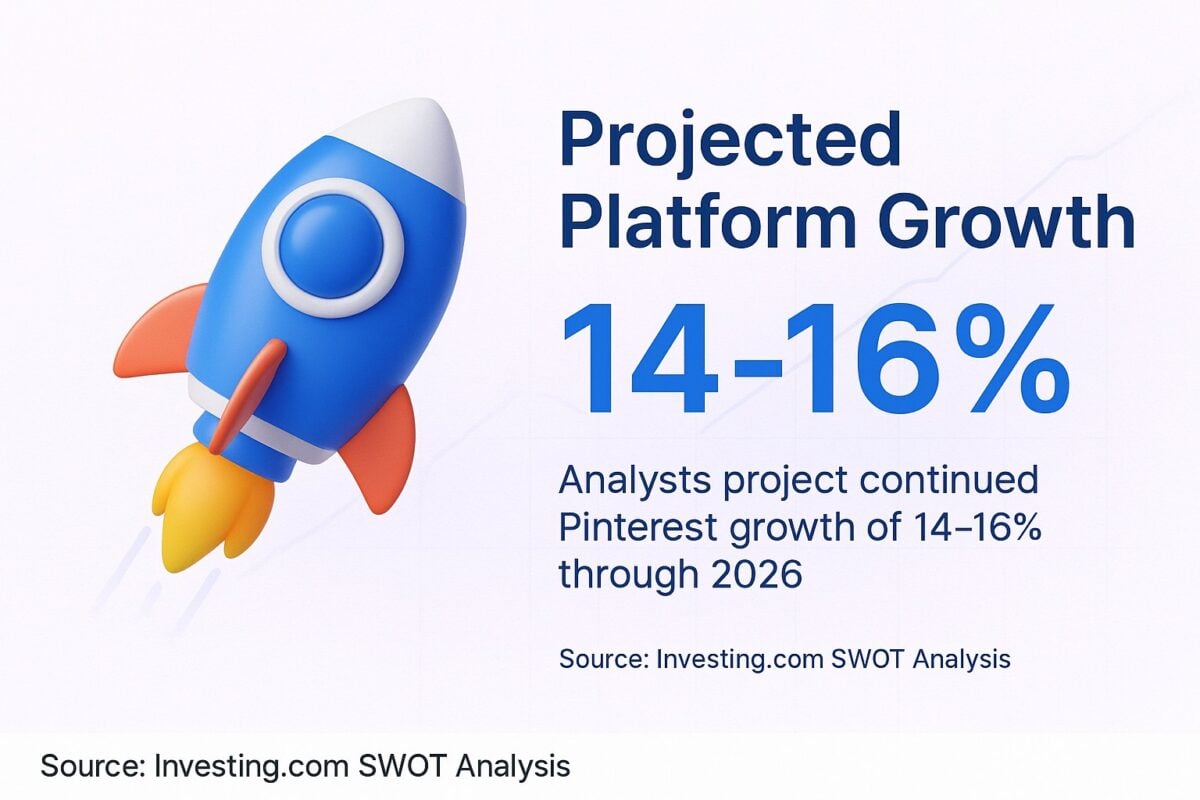
Success won’t happen overnight, but analysts project continued Pinterest growth of 14-16% through 2026. The platform momentum creates opportunities for creators willing to do the work.
For more detailed strategies on specific monetization methods, check out my guides on affiliate marketing on Pinterest and selling products effectively.
Actionable advice for your digital / content / influencer / social media marketing.
Join 13,000+ smart professionals who subscribe to my regular updates.
