


This article was made possible by funding from WordPress.com. All Opinions and rankings are independent and not reviewed by WordPress.com.
WordPress themes can be customized to your heart’s content. Block themes have the native Site Editor for tweaking styles and templates. Classic themes use the legacy Customizer and accept custom PHP in templates. You can select the option that best fits your needs.
Yes, there are different approaches. However, all themes share at least one common file: functions.php
Developers can use functions.php to add custom code snippets. You can enable or disable specific WordPress features, or change how they work. The same goes for plugins like WooCommerce. Some themes include custom functions, which you can also edit via a child theme’s version of the file.
That’s only scratching the surface of what’s possible. A variety of custom functionality can be added here. That’s both a positive and a negative.
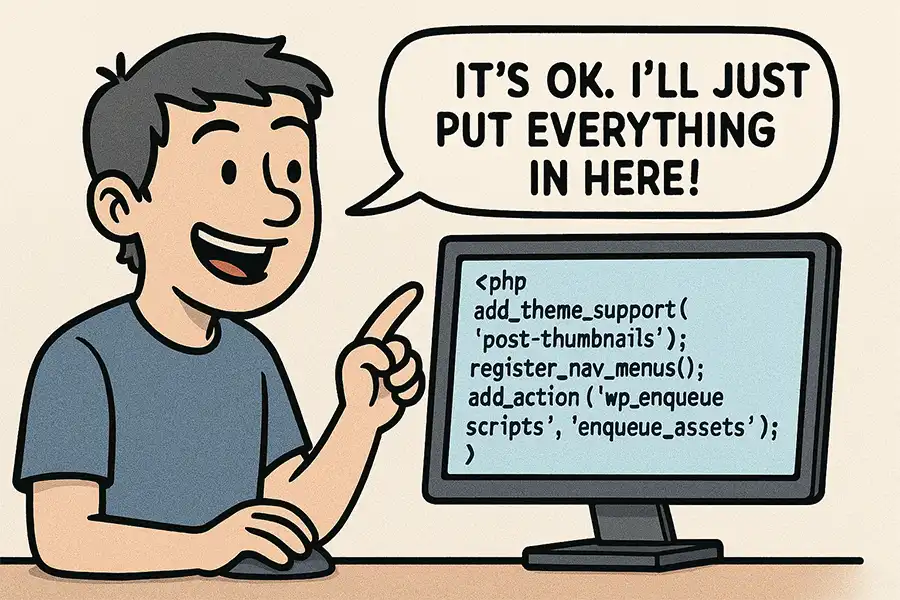
It’s great that the functions.php file is so versatile. The downside is that we often use it as the “junk drawer” of WordPress. It’s easy to fill the file with code that would be a better fit as a custom plugin. That could mean trouble as your site evolves.
So, how do you decide what to include and what to leave out of your theme’s functions.php file? Check out our best practices below.
A Repository for All Your Custom Code?
It seems like every WordPress development tutorial recommends placing code snippets in the functions.php file. Why is that? Well, it’s easier to explain than walking someone through building a plugin.
This technique works well enough. Most code snippets will run as expected. Plus, all your custom code resides in a singular file. It sounds like a winning solution.
But what happens if you change themes down the road? Those code snippets won’t migrate automatically. You’ll have to copy them to the new theme’s functions.php file. It’s an easy step to forget when redesigning a website.
Much depends on the specifics of your website, but you might miss some critical functionality. That could result in a myriad of issues. Everything from a buggy feature to a broken website is possible.
Project organization is also a concern. A file containing a random collection of snippets can be confusing. You might find yourself searching for code related to a specific feature or forgetting what’s there. It’s a recipe for future chaos, especially for large sites.
Thus, the negatives often outweigh the positives of using functions.php as a catch-all. It’s something to consider before opening the file and adding code.
Does Your Code Belong in functions.php?
How do you know if a code snippet belongs in your functions.php file? The WordPress Theme Handbook offers a simple rule of thumb:
“If you are creating features that should be available regardless of the site’s design, it is best practice to put the code in a plugin. The rule of thumb is that themes should only deal with the site’s design.”
That’s much stricter than the typical use case. However, it also makes perfect sense. Custom plugins are a constant and will continue to work, regardless of the active theme. Thus, it’s risky to add anything unrelated to design to functions.php.
What counts as design-related code? Here are a few common examples:
- Custom CSS and JavaScript files;
- Custom PHP functions to be used in theme templates;
- Fonts that will only be used in the active theme;
- Internationalization features;
Adopting this philosophy will keep your site better organized and reduce the risk of future problems.

Keep Your WordPress Theme Light and Focused
Sure, it’s possible to add loads of code to your theme’s functions.php file. Many of us have done so and learned a difficult lesson or two. That’s OK.
To paraphrase the old saying: When you know better, you do better. Those experiences can lead us to better solutions.
The bulk of what developers add to functions.php likely belongs in a custom plugin. It’s a better way to ensure website stability.
The other side effect is a theme with less bloat. It will be better optimized and provide you with greater flexibility. You’ll also have one less thing to worry about when you switch to something new.
Perhaps the idea of building plugins sounds scary. However, tools like artificial intelligence can improve the process. Ask AI to build a plugin using the code snippets you want to migrate. You can be up and running within minutes.
So, the next time you want to add custom code to your WordPress website, ask yourself: Does it belong in functions.php?
Top
