


This article was made possible by funding from WordPress.com. All Opinions and rankings are independent and not reviewed by WordPress.com.
The practice of “vibe” coding has taken the web by storm. Open your favorite artificial intelligence (AI) app, jot down some ideas, and watch it generate code. You can have a functioning result within minutes.
WordPress aficionados have jumped on the bandwagon. We use AI to generate new custom plugins and refactor existing ones. It’s hard to beat the efficiency these tools have added to our workflow.
Once you have a plugin, it’s just a matter of adding this shiny new thing to your website. Activate it and see what happens…
Not so fast!
We don’t want to rain on your AI sparkle parade. However, your vibe plugin shouldn’t be considered a finished product. Rather, it’s a start.
The code may work, but that doesn’t mean it’s ready for a production environment. It’s worth taking the time to audit your plugin to ensure its safety and stability.
With that in mind, here are some tips for testing your AI-generated WordPress plugin.
Use a WordPress Testing Environment
There are always risks associated with installing a new plugin, regardless of how it was built. A buggy piece of code could cause errors or crash your website. Meanwhile, security flaws can be exploited by hackers. And you never know if a plugin will work as expected.
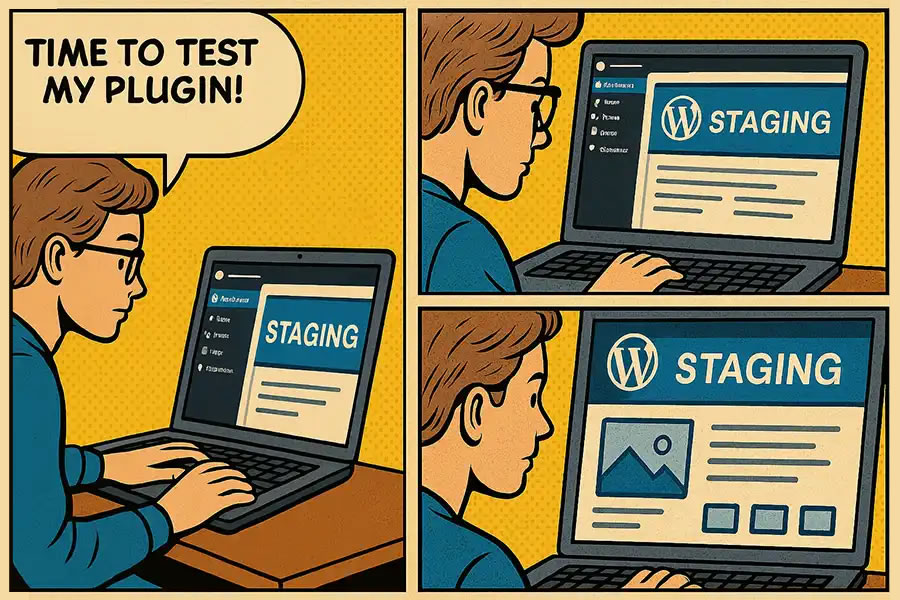
That’s all the more reason to use a testing or staging environment. It’s a separate space where you can test your plugin without fear of breaking anything. Your web host may offer this feature, but you can also build a local WordPress installation.
Either way, the environment should match your production site as closely as possible. For example, it should run the same operating system and PHP version. Any special security settings should also be applied. Finally, enable WordPress debugging to help you find any errors.
This configuration also allows you to troubleshoot issues in a lower stress setting. You won’t have to worry about the impact on visitors, not to mention the site’s data.
Test All the Things With Plugin Check
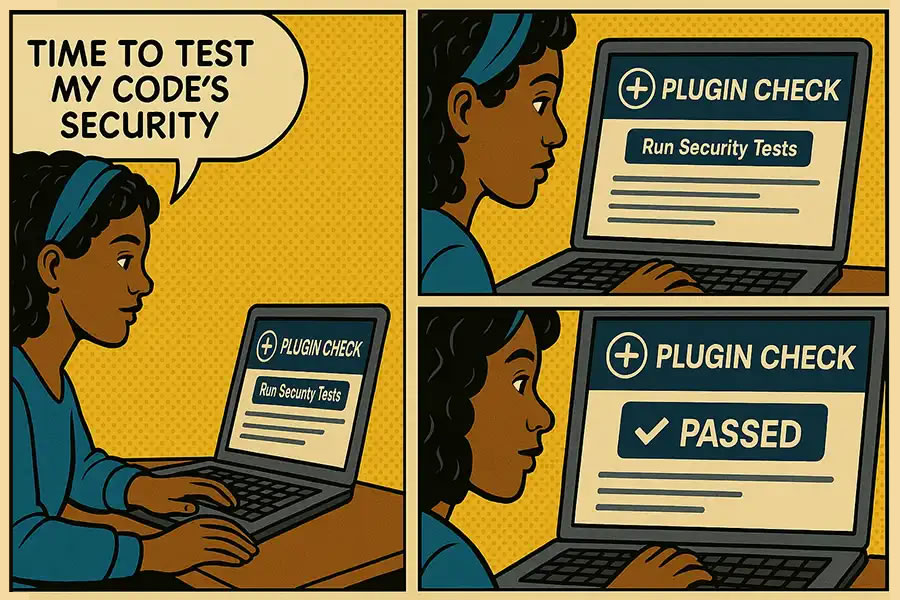
There’s an easy way to test your AI-generated plugin against WordPress best practices. Plugin Check is an official tool that analyzes plugin security, performance, and internationalization.
The WordPress Plugins team uses it to test plugins submitted to the official repository. It will scan your code and provide a laundry list of issues it finds. Each issue’s line and column numbers are displayed, along with a brief description.
Sometimes, the issues are minor technicalities, such as missing a text domain in a PHP function. However, it also identifies potentially serious security flaws. For example, Plugin Check will flag unsanitized code output. That would allow a hacker to input and execute malicious code.
We’ve found that some AI models sporadically escape output in a generated plugin. Their lack of consistency is concerning. Thus, we can’t assume that everything is secure from the get-go.
Install Plugin Check on your testing environment to ensure your plugin meets WordPress guidelines. We have a tutorial to get you started.
Try to Break Something
Your plugin may appear to work well enough. However, that doesn’t mean it will hold up against every potential scenario.
A plugin’s behavior can change based on different factors. For instance, it may work as expected when you’re logged in, but not when you’ve logged out. That’s only scraping the surface of what can happen.
A few minutes of testing will help you identify any issues before you install it on a production website. So, put the plugin through a few basic tests, including:
- Deactivate and reactivate the plugin in the WordPress admin;
- Change plugin settings (if applicable) and save them;
- Access your test environment when logged in and logged out;
- Verify the plugin’s front and back-end functions and output are correct;
Also, be sure to keep your web browser’s console tool open when testing. That will fill you in on any behind-the-scenes errors that are generated.

Make Your WordPress Plugin the Best It Can Be
AI is a powerful tool for building custom WordPress plugins. It increases our efficiency and capabilities. But AI doesn’t test the plugin’s functionality and security for us. That’s our job.
The good news is that testing is a relatively simple process. The steps above will help you identify issues and make improvements. In other words, treat an AI-generated plugin the same as one a human built.
The result is a better plugin, one that you’ll be confident to use on your website.
Top
