


DaVinci Resolve is a hugely popular application among video editors. Thanks to its powerful features covering everything from cutting clips to color correction, it has gained a fantastic reputation for helping videographers bring their visions to life.
But what really puts the finishing touches on any video project? Transitions. They aren’t just fancy effects. They’re the bridges that connect your story, scene by scene. When used skillfully, transitions do more than move you from one shot to another; they push your story forward, setting the rhythm and tone that keep viewers glued to the screen.
We’ve searched high and low to bring you this collection of the best transition packs available for DaVinci Resolve. You will also find some high-quality free transition packs as well.
If you’re looking for Premiere Pro transition packs, you will find them here.
This pack brings a vibrant touch to your video edits with ten animated glitch and distortion effect transitions. Compatible with DaVinci Resolve 16.2 and above, this transition pack is ideal for editors wanting to add visually striking distortions to their projects.

Compatible with DaVinci Resolve 16.2 and above, the ToDo Transitions Pack offers a range of transitions, including horizontal strips, vertical strips, chromatic, and simple pan transitions, along with elastic, glitch, bulge, split, bend, and spin effects. These transitions work at any resolution and frame rate.

Free to Download
This free pack for DaVinci Resolve is a beginner-friendly collection of transitions. It offers transitions for all directions, target control, and motion blur control. It also works with the free version of DaVinci Resolve.

This pack of transitions will add smooth camera frame movement to your videos. You can quickly add these transitions to your projects by dragging and dropping them. They are suitable for DaVinci Resolve 17 and above.

Free to Download
SUALVI is a free pack of 100 transitions organized into nine categories, giving you multiple styles. They are all adjustment layers, making them user-friendly. They’re compatible with DaVinci Resolve 16 and above.

This collection of transitions is tailor-made for scenes that need a quick and fluid shift that will heighten the excitement without disrupting the flow of your edits. They’re perfect for editors looking to add that extra punch to action-packed sequences. They work with DaVinci Resolve 15 and above.

The Essential Fade pack for DaVinci Resolve is a collection of transitions that brings smooth fading effects to your video editing toolkit. These presets are fully customizable, allowing you to mix and match to create your own unique transition style. This pack works with DaVinci Resolve 17 and above.

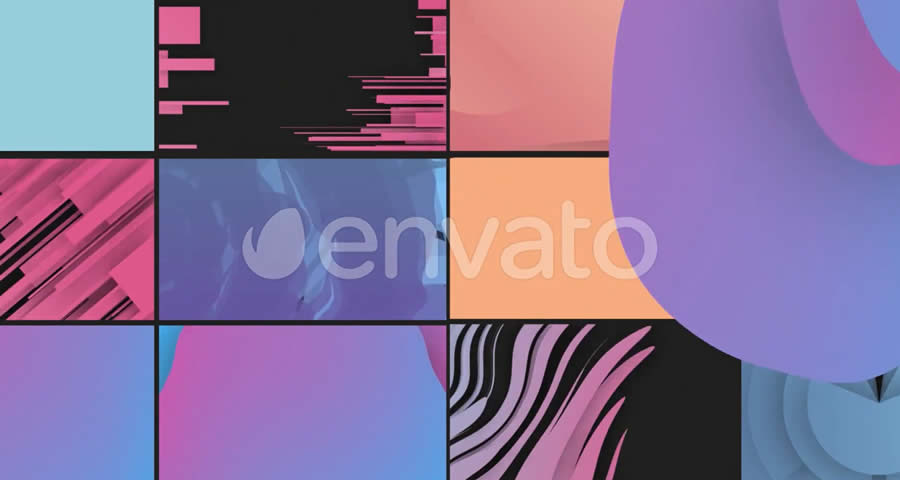
This DaVinci Resolve pack includes 14 colorful transitions, each with unique flowing shapes. they will add a dynamic and creative layer to your video projects. These transitions are fully editable, allowing you to customize each effect to fit the particular needs of your project. This pack works in DaVinci Resolve 16.2 and above.
This DaVinci Resolve pack includes 20 animated light leak transitions, perfect for adding a touch of vintage or artistic flair to your video. They are fully editable and compatible with DaVinci Resolve 16 and above.

This pack is a collection of 15 transitions that brings grungy film effects to your video projects. They include light leaks and damaged film overlays. This pack is compatible with DaVinci Resolve 18 and newer versions.

Free to Download
ResolveX is a small collection of ten free transitions for DaVinci Resolve versions 17 and 18. This pack includes a variety of transition effects, such as camera shake, glitches, lens distortion, pan, push, spin, and more.

This pack includes a collection of beautifully animated hand-drawn paintbrush transitions that will add a creative touch to your video projects. It works with DaVinci Resolve 17 and above, and you can combine different transitions and edit the colors to create a unique and more personalized effect.

Free to Download
This DaVinci Resolve transition collection is a free demo pack that comes with eight categories of transitions, giving you a taste of the full version’s 250+ transitions. They work with DaVinci Resolve 18.5 and above, and each transition has its own sound effects.

The Liquid Transitions Pack includes 12 hand-drawn animated transitions to add a fluid, creative flair to your video projects. It also includes sound FX to complete the experience. The pack is compatible with DaVinci Resolve 16 and above.

This huge DaVinci Resolve pack includes over 200 transitions across 18 categories. It simplifies your editing process with easy drag-and-drop functionality, variable lengths, and fully customizable values and colors. This pack has been created for DaVinci Resolve 18 and above.

How to Install Transition Packs in DaVinci Resolve
Here’s how you can add new transitions to your DaVinci Resolve editing toolkit:
- Download the Transition Pack: Choose and download a transition pack to your computer.
- Unzip the File: Most transition packs come in a compressed format. Right-click the file and select
Extract Allto access and view the contents. - Open DaVinci Resolve: Launch the DaVinci Resolve software on your computer.
- Navigate to the Fusion Page: At the bottom of the screen, you’ll find different pages. Click on the
Fusionpage. - Import the Transitions: Drag and drop the transition files from the folder you extracted into the Fusion page. Some transitions might require you to import them through the
Effects Libraryby right-clicking and choosingImport. - Use Your New Transitions: Now, head over to the
Editpage. You’ll find your new transitions listed under theEffects Libraryin theVideo Transitionssection. - Apply Your New Transition to Your Project: Drag the desired transition from the
Video Transitionssection and drop it between two clips on your timeline. - Adjust & Edit the Transition: You can adjust the duration and edit the properties of the transition by clicking on it and using the inspector panel.
Choosing the right transitions can significantly improve your video projects. It’s not just about switching from one scene to another; it’s about weaving your shots together in a way that tells a story.
Remember, every video is unique, and finding your own style is about trying new things. So, play around with these transitions to see what amazing effects you can create. Your next video may be your best one yet!
Top
