


Employers are busy people. They have the time-consuming task of sifting through and reading many applications and resumes before finally selecting the perfect person.
When you have the task of looking through so many resumes, you’re not only looking for candidates with the most experience or best skills, but you’re also looking for something that makes them stand out. That is especially true when applying for jobs in the creative industry.
And that is why resume design has such an important role in the application process.
There are plenty of web-based services for creating a resume, and yes, the internet is chock full of basic resume templates. However, not many of those have been designed with creativity in mind. They certainly don’t consider modern design trends or the competitiveness of applying for a creative role.
The free resume templates for designers we have for you are the perfect starting points for creating a CV that will help you stand out and land your dream job. They have all been created by designers for designers.
Which Resume Template Format Should You Choose?
The right format depends on the application you prefer to work in and how the finished resume will be submitted. Some formats give you greater control over the layout, while others make ongoing edits easier.
- Figma: A good choice for designers who want browser-based editing, familiar layout controls, and easy PDF export.
- InDesign: Best suited to detailed page layouts, precise typography, and resumes with matching cover letters or portfolio pages.
- Illustrator: Useful for highly visual designs and custom vector graphics, although editing longer sections of text can be less convenient.
- Photoshop: Suitable for image-led layouts, but it is not always the best option for a text-heavy resume.
- Microsoft Word: Practical for frequent updates and applications that request a DOCX file. Word templates may also be easier for recruiters to open and review.
Check the required application version, included fonts, and available file types before downloading. If a template includes several formats, choose the one you already know well.
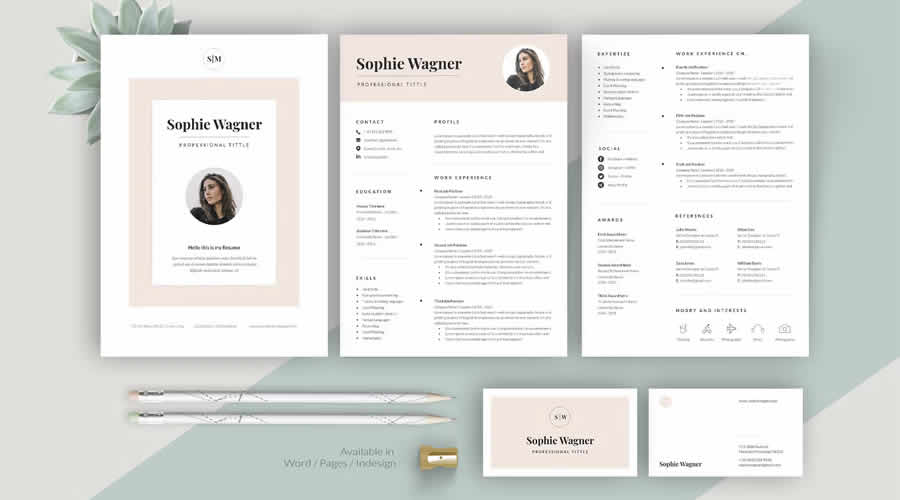
In Word & InDesign Formats
Perfect for all creative types, this package includes a resume template, a cover letter template, and bonus business cards. Minimal, customizable, and professional, it is the complete job application package.
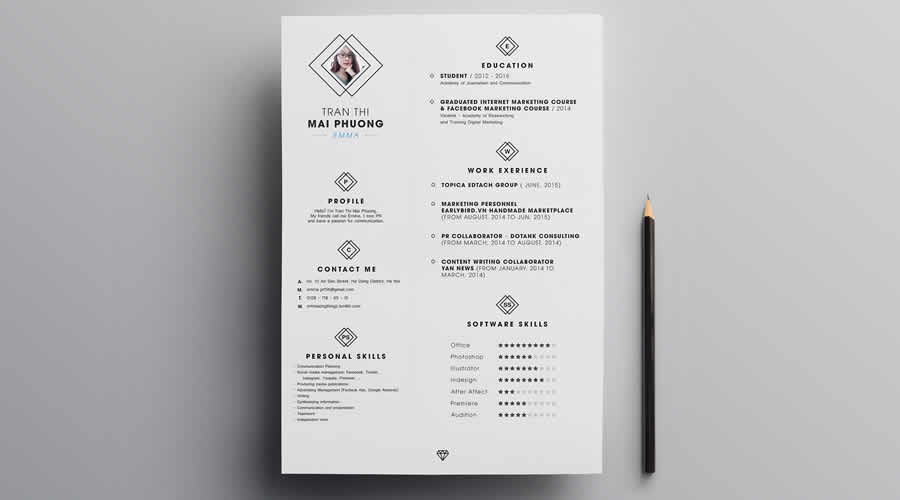
Free to Download and in Photoshop PSD Format
The Neat Resume is a contemporary, highly customizable free template with an eye-catching header, well-organized content sections, and a clean, minimalist design that focuses on beautiful typography.
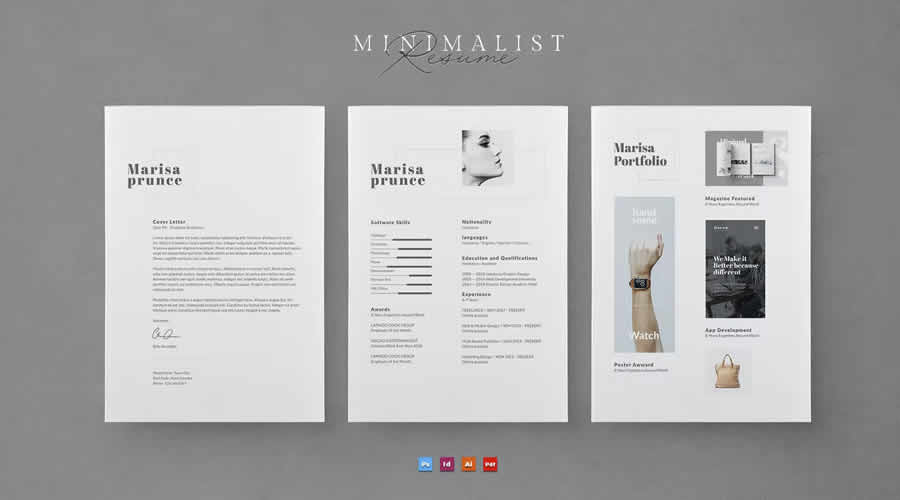
In Photoshop PSD, AI & InDesign Formats
This resume template prioritizes readability, making it a polished option for creating a professional resume. In addition to a resume template, you will also get a cover letter and a printable portfolio template.
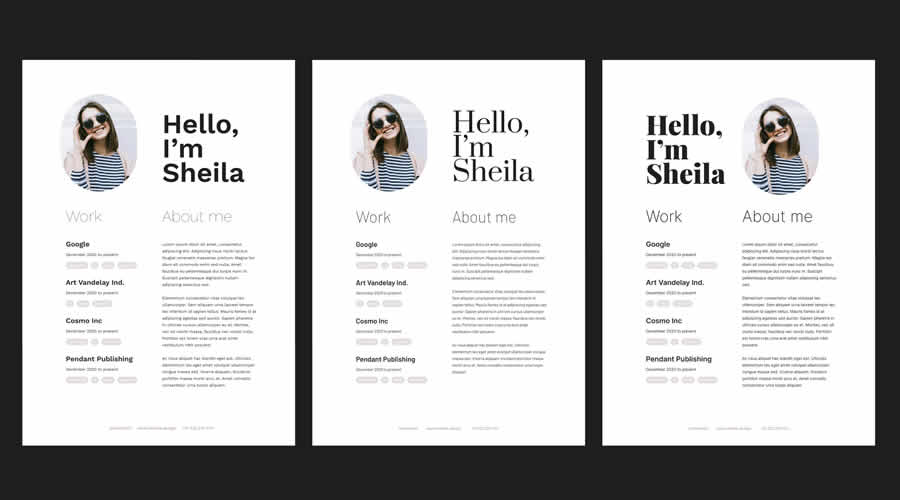
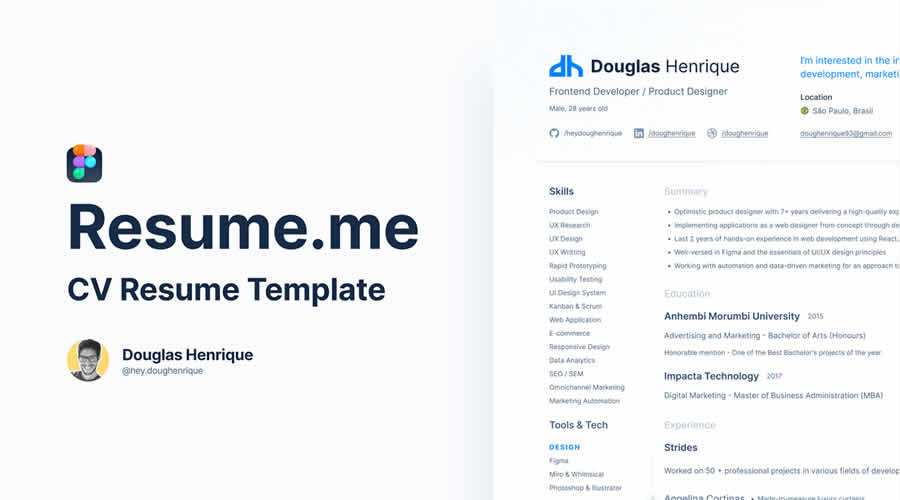
Free to Download and in Figma Format
This free resume template is simple and minimalist, with well-organized and spacious content sections. It is fully customizable in Figma, with editable colors, fonts, and layout.
In Word, Photoshop PSD, AI & InDesign Formats
This highly creative resume template features a clean, minimalist design and clearly labeled, organized layers, making it easy to customize in your favorite application.
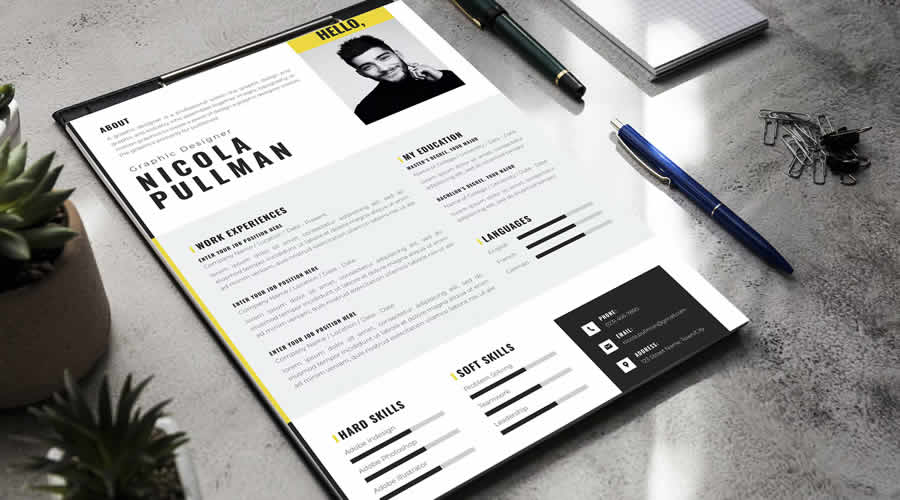
Free to Download and in Figma Format
This professional resume template focuses on beautiful typography and perfectly laid-out content sections. In addition to the resume template, you will also get a printable portfolio template designed in the same clean style.
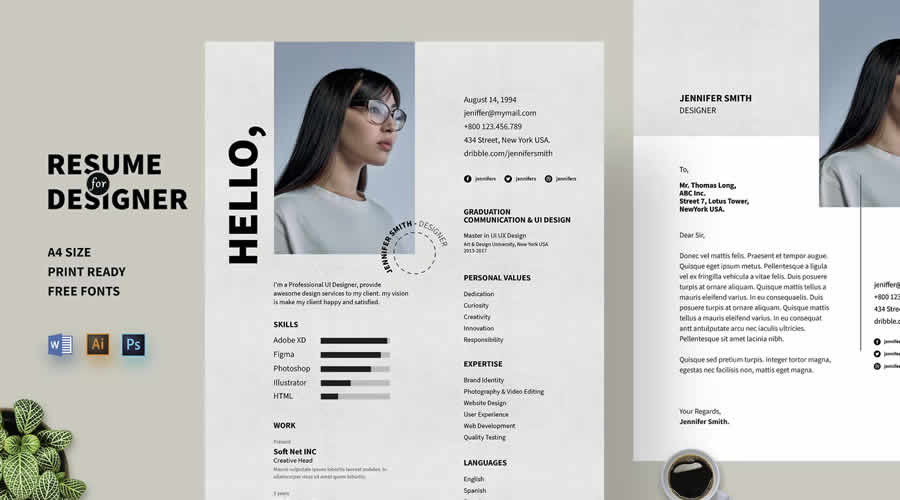
In Photoshop PSD, AI & Word Formats
This modern resume template has a minimalist layout with a focus on big and bold typography. It’s fully customizable to match your personal branding and includes sections for education, work experience, and skills. It also comes with a matching cover letter template.
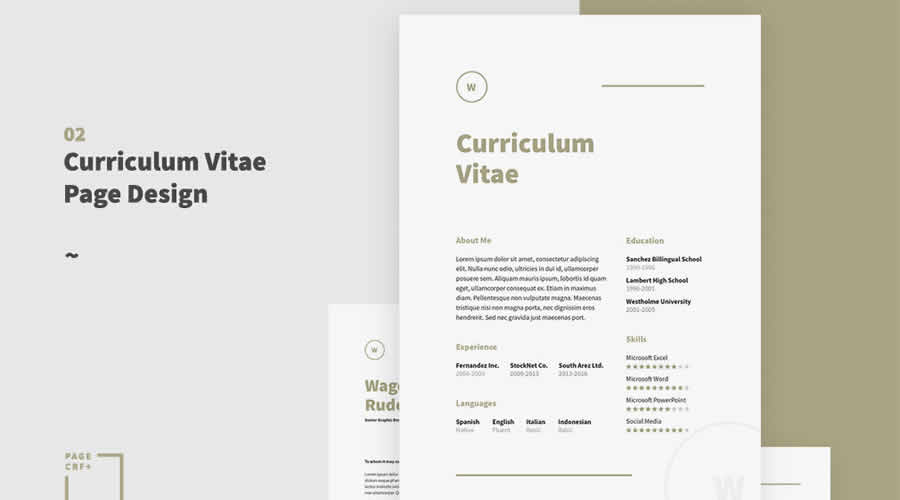
Free to Download and in InDesign Format
This free resource is a highly customizable resume and cover letter template with a minimalist, professional design and well-organized sections to highlight your skills, education, and experience.
In Word, AI & InDesign Formats
With its focus on creativity, this resume template is perfect for designers and creatives who want to create a polished and highly professional resume.
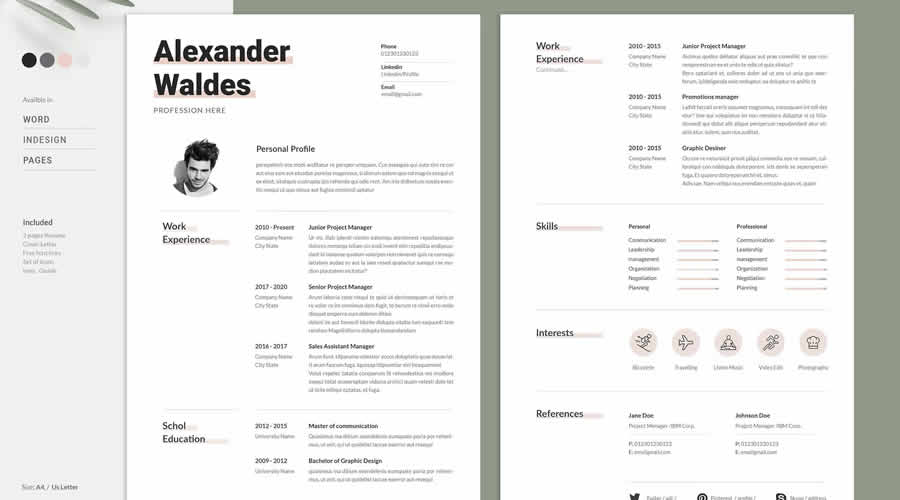
Free to Download and in Sketch & Photoshop PSD Formats
This free resume template has a simple and stylish design, well-organized sections, and customizable Sketch and Photoshop files. Its attention to detail and readability make it an excellent option for creating a professional-looking resume.

Free to Download and in Figma Format
This free resume template has been designed for UX and UI roles with plenty of space for projects and skills. Built in Figma for easy editing. It is perfect for portfolios and product design roles.
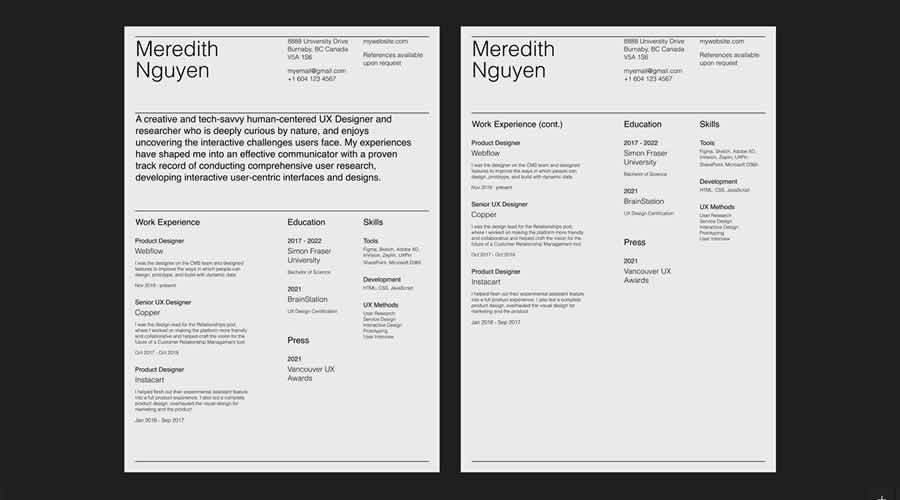
Free to Download and in Illustrator AI Format
Whether you’re looking for your first creative job or a professional looking to update your resume, this free and highly customizable minimalistic resume is all you need to make a memorable first impression.
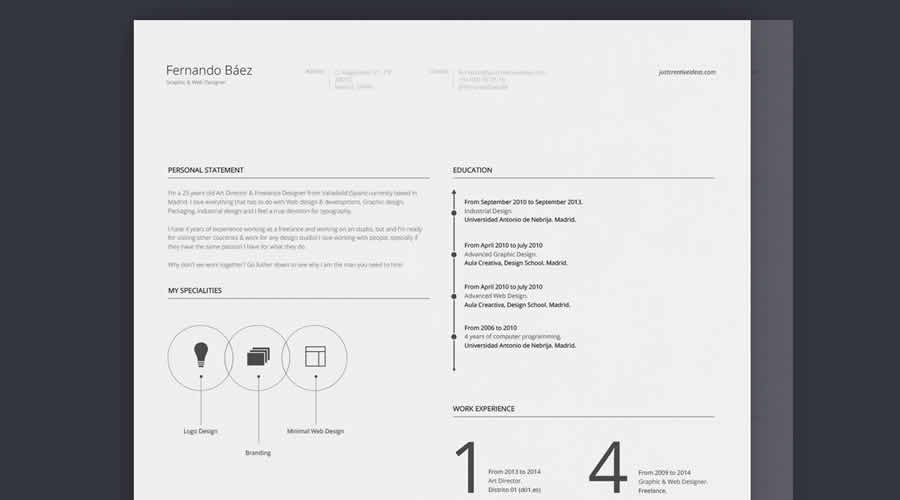
Free to Download and in Photoshop PSD, Sketch & Word Formats
Clean, colorful, and highly customizable, this free template is an excellent choice for creative job seekers and professionals who need to create or update their resumes quickly.
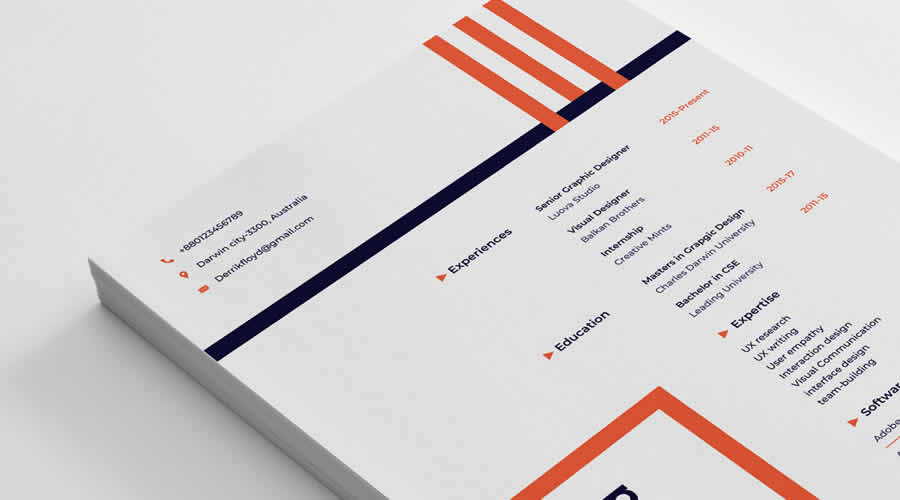
Free to Download and in Figma Format
This is a collection of 20 modern, minimally designed resume templates. All templates focus on clarity and readability, making them an excellent option for creating a professional resume in Figma.
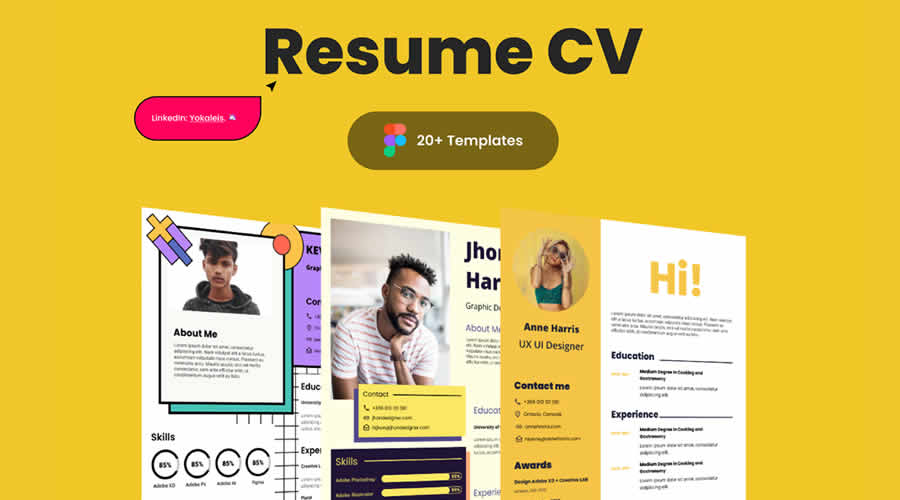
Free to Download and in Figma Format
This collection of five free Figma resume templates features bold typography, eye-catching graphics, and minimalist layouts. It is perfect for designers, developers, and marketers looking to create a professional resume.
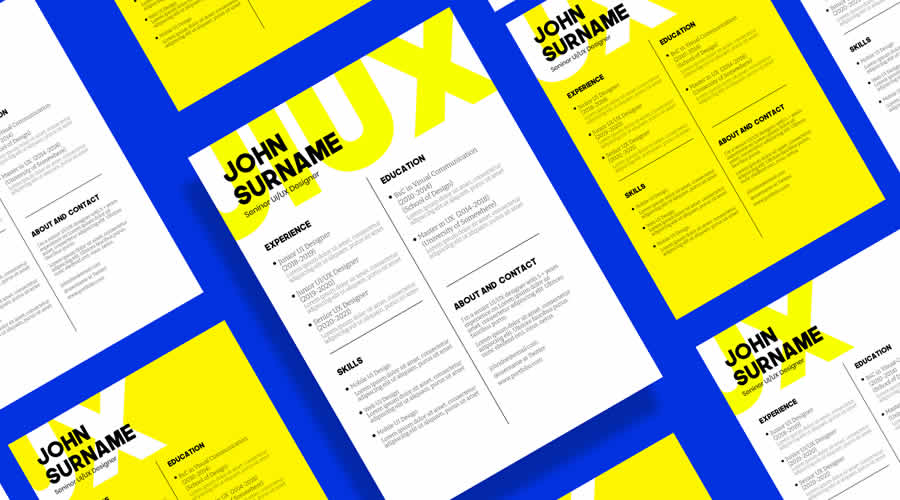
Free to Download and in Figma Format
This spacious resume template features a black-and-white color scheme and is perfect for highlighting your work experience, portfolio, education, and contact information.
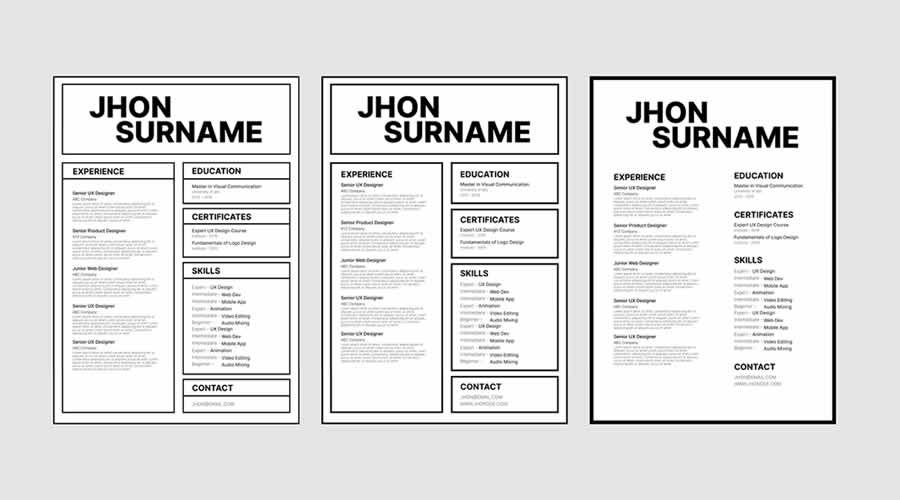
Free to Download and in Word & InDesign Formats
Make a great first impression with this resume template, which features bold and beautiful typography. It can be edited in InDesign or Microsoft Word.
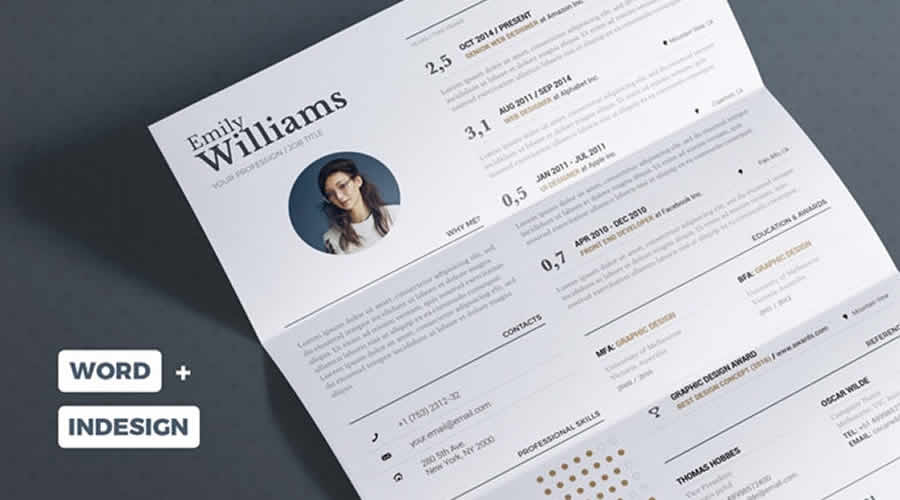
Free to Download and in Word & InDesign Formats
This minimalistic resume template has a clean design and a two-column layout. It also has plenty of room for your profile photos. This free template can be edited in InDesign and Word.
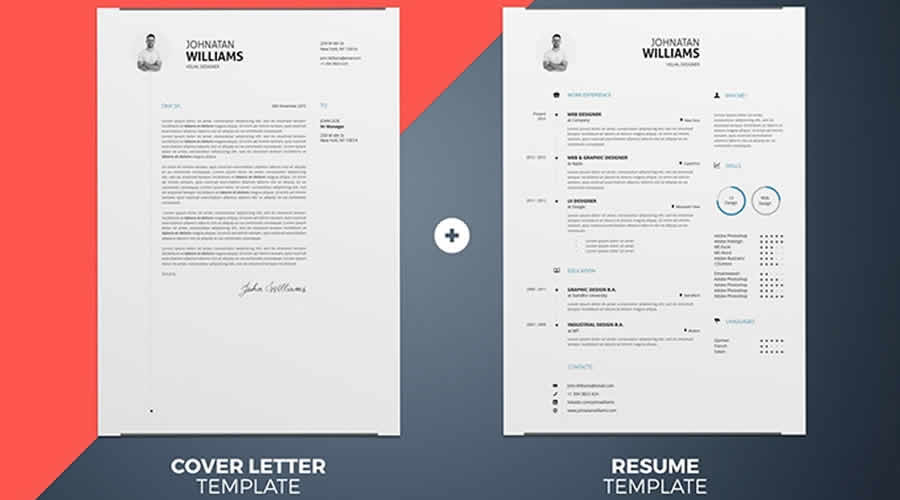
Free to Download and in Illustrator AI Format
This two-page resume template features a bold design that’s perfect for promoting your skills and projects. It can be edited in Illustrator.
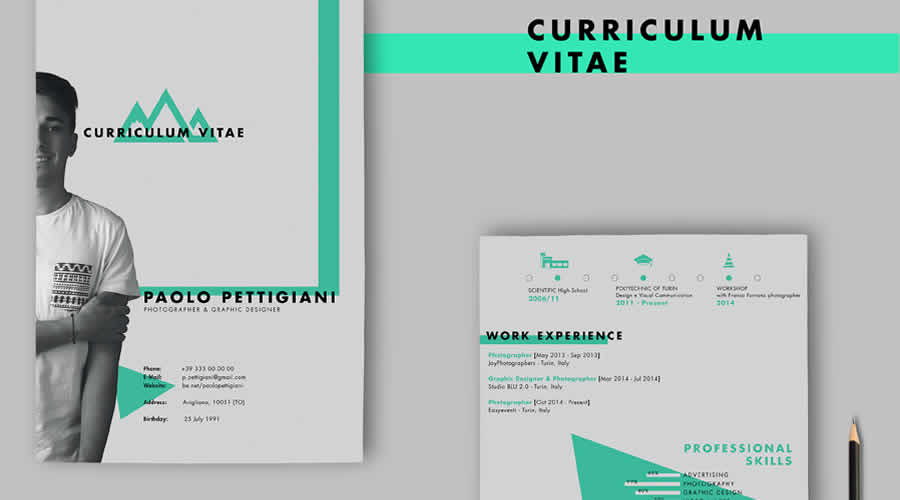
Free to Download and in Photoshop PSD Format
If you want a creative resume design, take a look at this resume template. You can edit it in Photoshop and use it to apply for a job in any creative field.
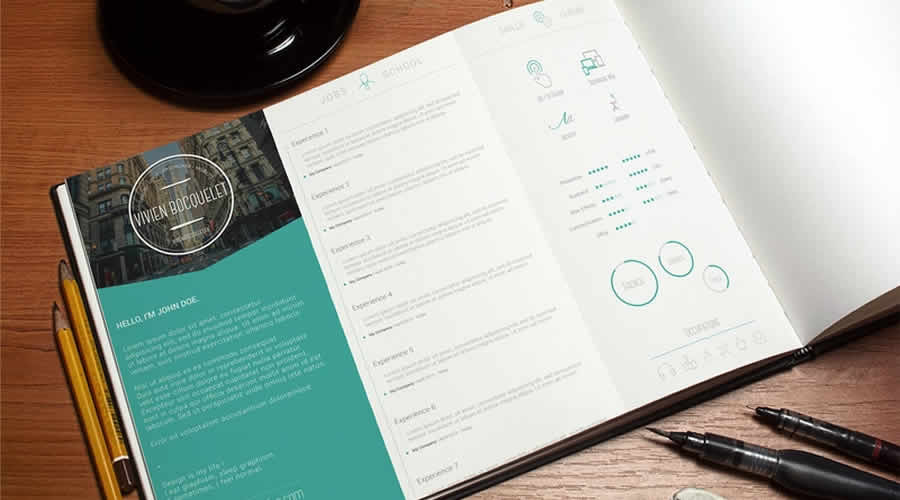
Free to Download and in Photoshop PSD Format
This resume template has a clean, two-column layout that’s easy to edit. The template has been designed in Photoshop and comes with well-organized layers.
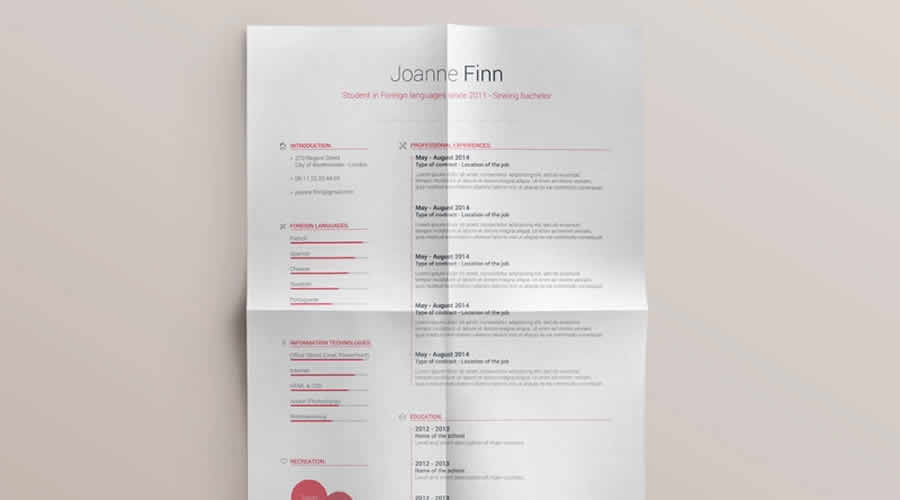
Free to Download and in Photoshop PSD Format
Check out this resume template featuring an elegant and minimalist design. This Photoshop PSD template includes a one-page resume layout and well-organized layers for easy editing.
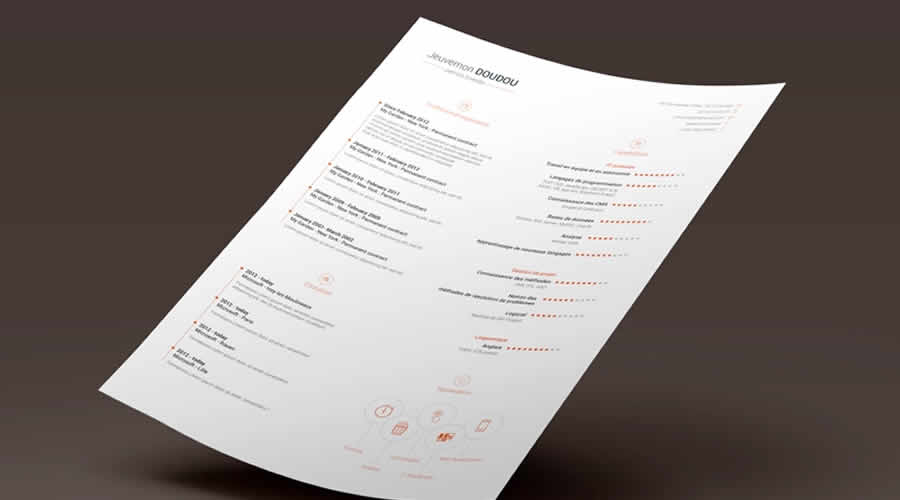
Free to Download and in Illustrator AI Format
This resume was designed in Illustrator and contains a two-page resume and a matching cover letter template. Thanks to its minimal design, it can be used for any type of job application.
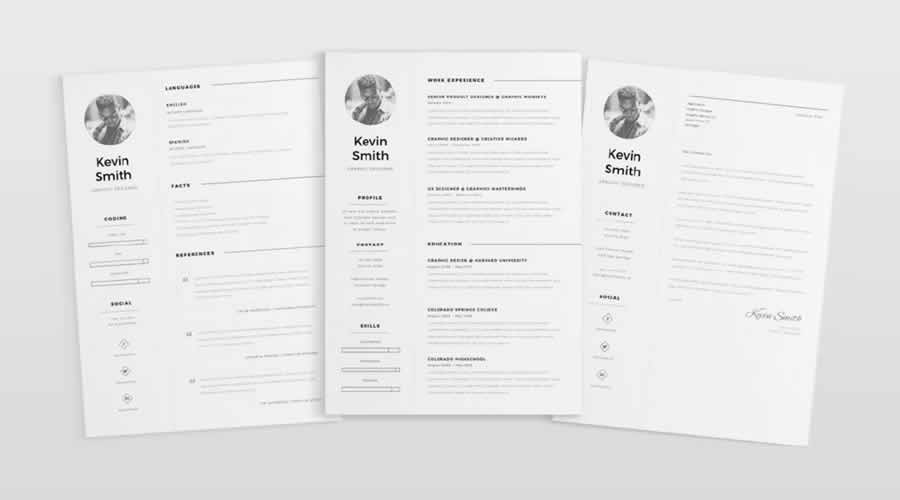
Free to Download and in Photoshop PSD & Illustrator AI Formats
This stunning resume template will capture the attention of any employer. It has a beautiful header section and uses modern, clean typography that makes an impact.
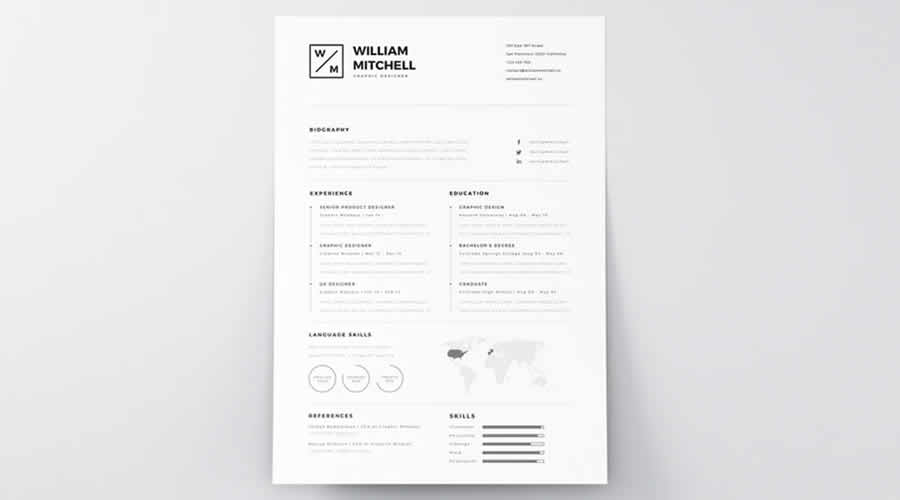
Free to Download and in Illustrator AI Format
This clean resume template has a standard two-column layout. In the larger column, you can showcase your education and work history. In the sidebar, you can share your contact information and skills. This template can be edited in Illustrator.

What to Include in a Designer Resume
A designer resume should communicate your experience quickly while giving recruiters a clear route to your work. There is no need to fill every available section if the information does not support the role.
- Name and role: State your name and the type of design position you are applying for.
- Contact details: Add a professional email address, phone number, and general location. A full postal address is rarely needed.
- Portfolio link: Place a direct link near the top of the page so it is easy to locate.
- Professional profile: Write a brief overview of your experience, specialisms, and the type of work you do.
- Work experience: List relevant roles in reverse chronological order. Include results and responsibilities rather than a list of routine tasks.
- Selected projects: Mention relevant client, freelance, or personal projects when they add useful context.
- Design skills: Include methods, disciplines, and applications that relate directly to the position.
- Education and training: Add relevant qualifications, courses, and certifications without giving them more space than your professional work.
References can be supplied when requested, so they do not need to take up room on the resume.
Final Recommendations
Choose a template that suits both your experience and the position. A recent graduate may need more room for education and selected projects, while an experienced designer will probably want greater space for employment history and results.
Treat the template as a starting point. Replace every piece of sample content, remove sections you do not need, and adjust the type sizes and spacing around your own information. Check that links work, dates follow a consistent format, and the smallest text remains comfortable to read.
Before sending the resume, review it at its actual size and ask someone else to proofread it. Export a PDF for direct applications, but keep an editable copy for future updates. If a recruitment portal requests a particular file type, follow that instruction rather than submitting the most decorative version.
A restrained design with clear information will usually serve you better than a complicated layout. The resume should give employers a useful overview of your experience, while your portfolio provides the fuller picture of your design work.
Top
