
Close Menu
Trendswave MediaTrendswave Media
  • Home
  • About Us
    • Contact Us
  • Services
  • Influencer Marketing
  • Marketing
  • SEO
  • Social Media
  • Web Design
  • Shop

Subscribe to Updates

Get the latest creative news from Trendswave about Marketing, SEO & Web Design.

Please enable JavaScript in your browser to complete this form.
Loading
What's Hot

Turn a Goal Into a Landing Page in Minutes with AI Builder

September 4, 2026

How to Make YouTube Shorts: A Guide for Newbies

September 4, 2026

Four moms on raising kids who love the outdoors – Blog

September 4, 2026
Facebook X (Twitter) Instagram
Trendswave MediaTrendswave Media
  • Home
  • About Us
    • Contact Us
  • Services
  • Influencer Marketing
  • Marketing
  • SEO
  • Social Media
  • Web Design
  • Shop
Trendswave MediaTrendswave Media
Home»Marketing»Turn a Goal Into a Landing Page in Minutes with AI Builder
Marketing

Turn a Goal Into a Landing Page in Minutes with AI Builder

adminBy adminSeptember 4, 2026No Comments4 Mins Read
Facebook Twitter Pinterest LinkedIn Tumblr WhatsApp VKontakte Email
Turn a Goal Into a Landing Page in Minutes with AI Builder
Share
Facebook Twitter LinkedIn Pinterest Email


By Sean Tinney August 18, 2026

Sell something. Grow your list. Book more clients. Whatever the goal, the AI Landing Page Builder starts there.

Describe it in plain language, and get a full page back: headline, layout, images, copy, all built around what you said.

What people are building with it AI landing pages

1. Grow your email list

Capture signups on a page built around exactly what you’re offering.
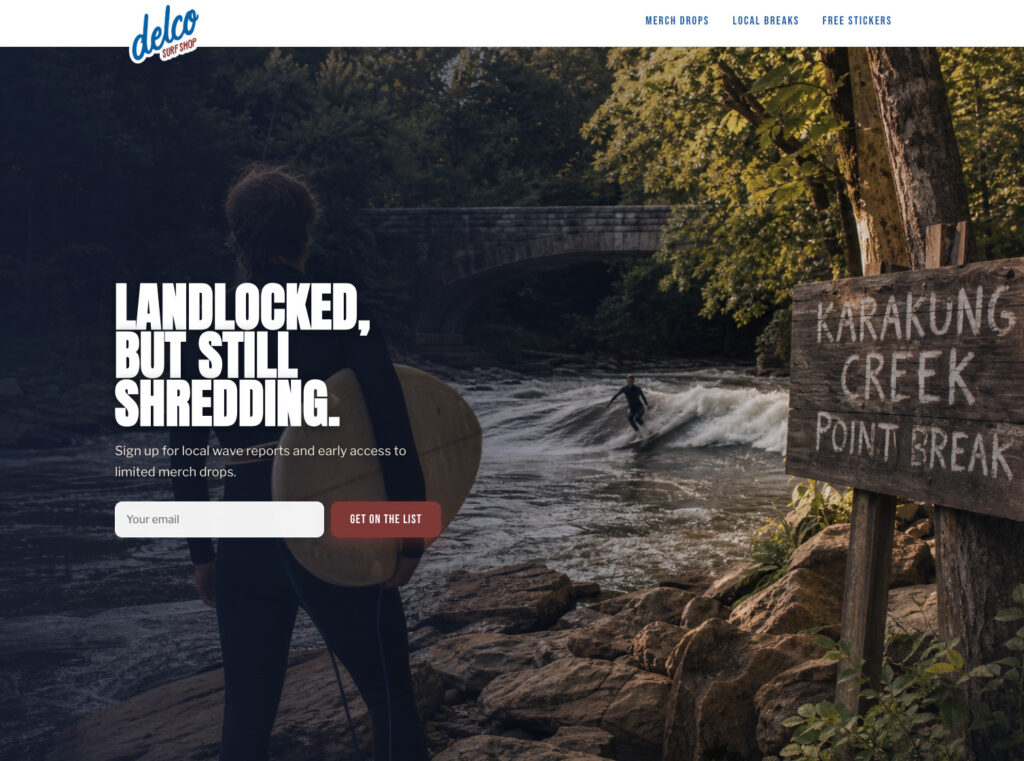
Screenshot landing page example

2. Waitlists

A page that captures interest before something’s ready to launch.

Screenshot of a waitlist landing page example

3. Event signups

A fitness studio filling a class roster.

Screenshot of a landing page exampleScreenshot of a landing page example

4. Lead magnets that are actually tools

A nonprofit training platform built a breakeven analysis planner, gated behind an email signup, entirely by describing it.

Screenshot of a lead magnet landing pageScreenshot of a lead magnet landing page

5. Creator and personal brand pages

A full media kit in one page: bio, booking details, appearance schedule, sponsor stats, and a newsletter signup built right in.

Screenshot of a creator landing pageScreenshot of a creator landing page

6. Fundraising

A page built around a specific cause or campaign. One goal, one call to action, one place to give.

GIF of a fundraising landing page exampleGIF of a fundraising landing page example

7. Survey

A page that asks a few questions and turns every response into a subscriber.

Screenshot of a survey landing pageScreenshot of a survey landing page

What you can add to your page

Describe any of these, and they show up built into your page.

Image reveals

Content fades and slides in as visitors scroll.

GIF showing an image revealGIF showing an image reveal

Ambient movement

A slow, continuous drift on a hero image or product shot.

GIF showing product movementGIF showing product movement

Shimmer animation

Draw attention to your CTA or headlines.

GIF showing shimmering CTAGIF showing shimmering CTA

Countdown timer

A live timer counting down to your launch or deadline.

GIF showing a countdown timerGIF showing a countdown timer

Hover interactions

Product images zoom in smoothly on hover or tap.

GIF showing hover effectGIF showing hover effect

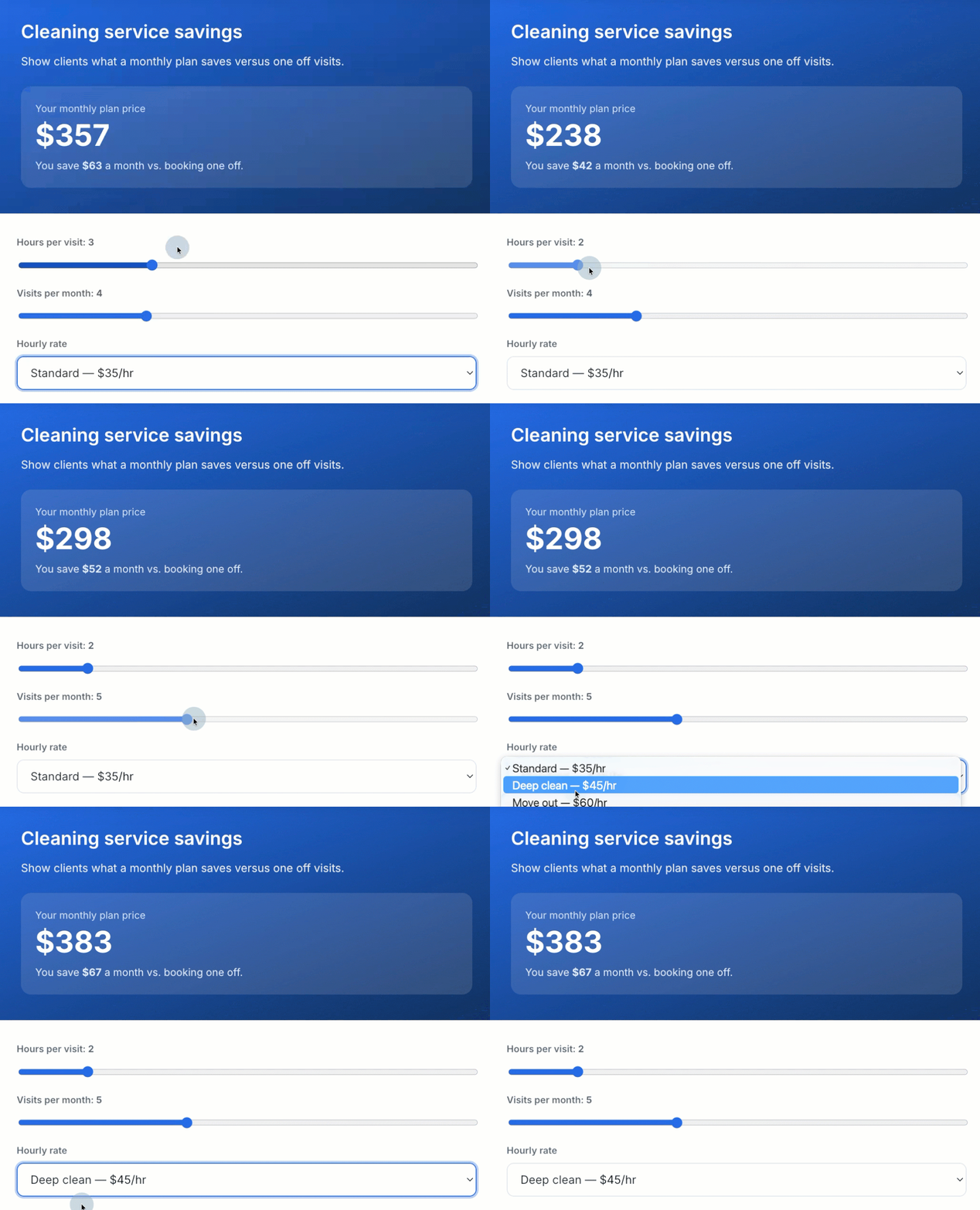
Savings calculator

Show what a monthly plan saves compared to one-off pricing.

GIF showing a saving calculatorGIF showing a saving calculator

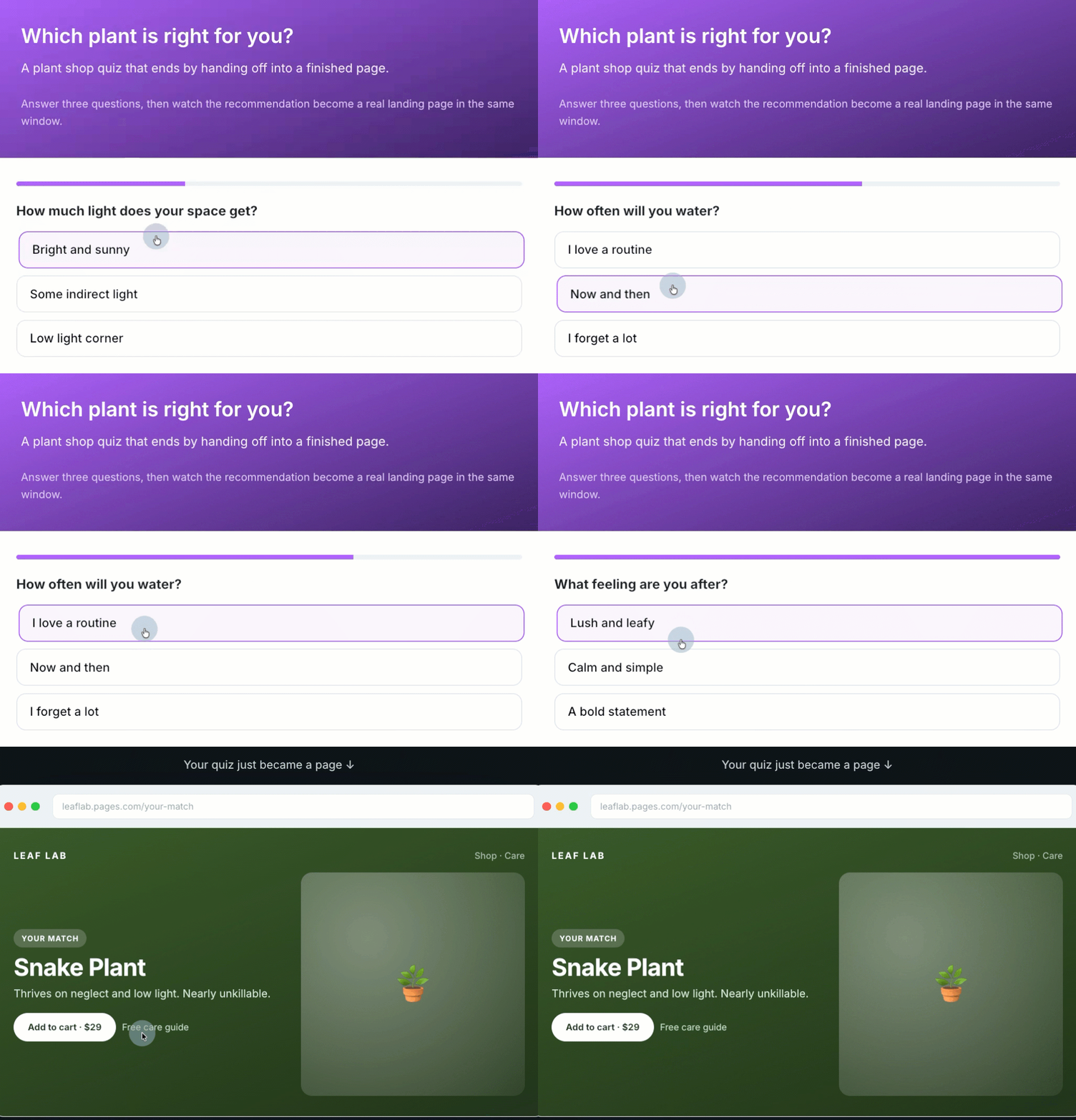
Quiz

Route visitors to a recommended product or page based on their answers.

GIF showing a quizGIF showing a quiz

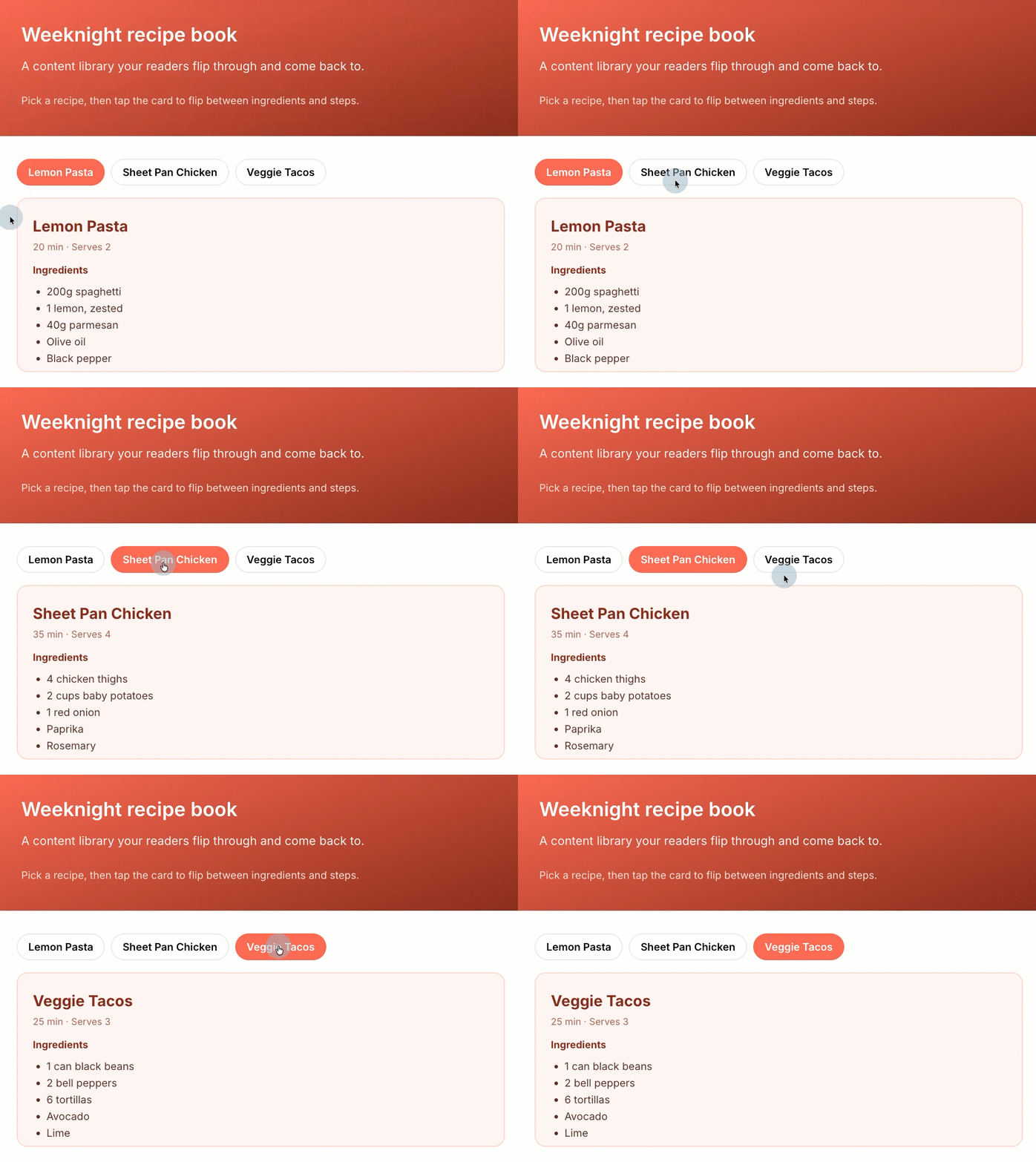
Resource builder

Gate a tool or guide behind an email signup.

GIF showing resource builderGIF showing resource builder

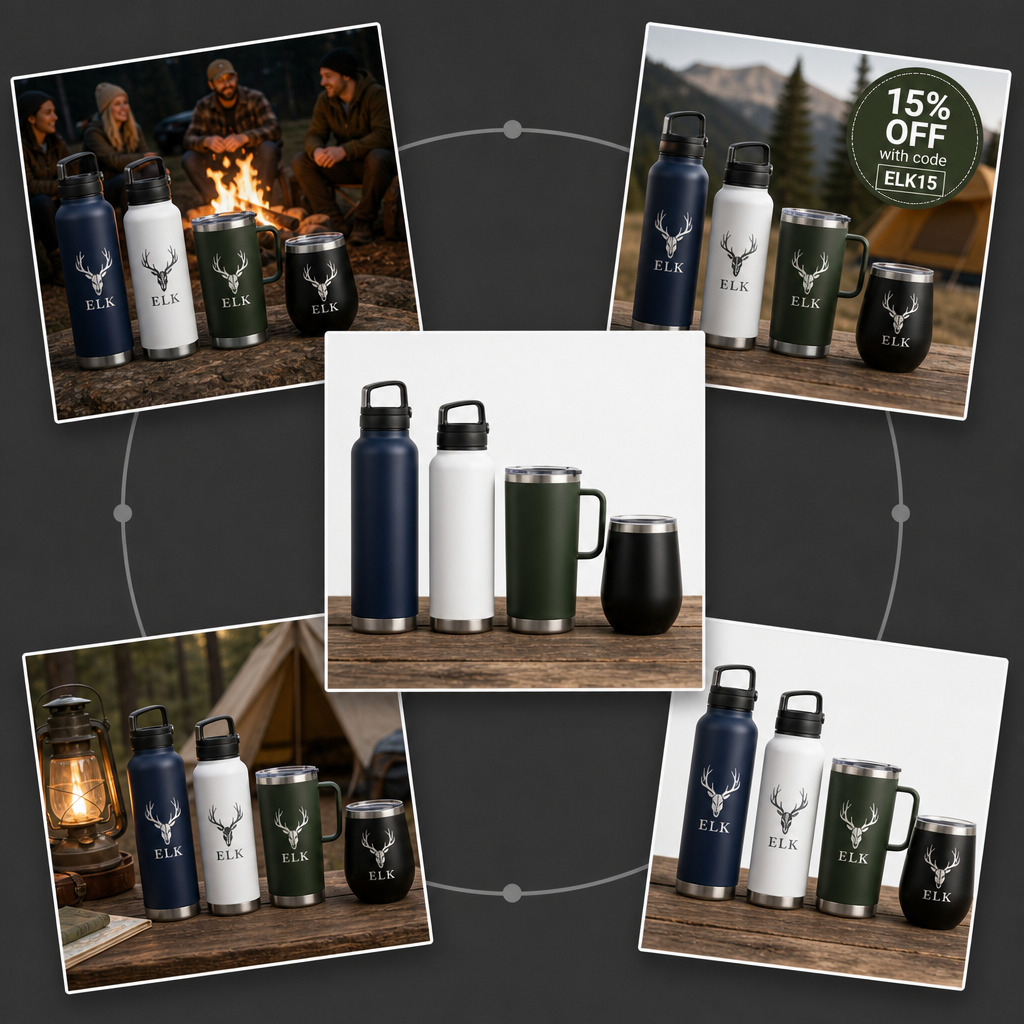
Enhance your images

You can turn one plain product photo into a dozen versions. Just describe what you want.

Screenshot showing ways to enhance an imageScreenshot showing ways to enhance an image

From landing page to email list

Set your domain and page path, publish, and every signup becomes a subscriber in your email list immediately.

Describe your first page

Try the AI Landing Page Builder in AWeber today.

Build your first page →

Sell something. Grow your list. Book more clients. Whatever the goal, the AI Landing Page Builder starts there.

Describe it in plain language, and get a full page back: headline, layout, images, copy, all built around what you said.

What people are building with it AI landing pages

1. Grow your email list

Capture signups on a page built around exactly what you’re offering.

2. Waitlists

A page that captures interest before something’s ready to launch.

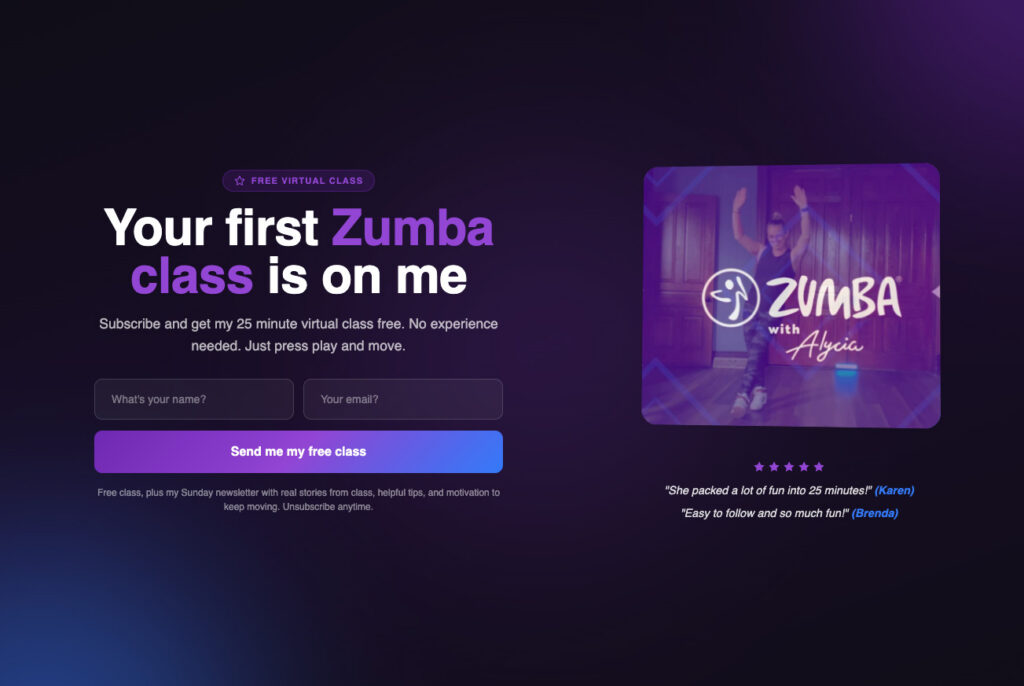
3. Event signups

A fitness studio filling a class roster. 
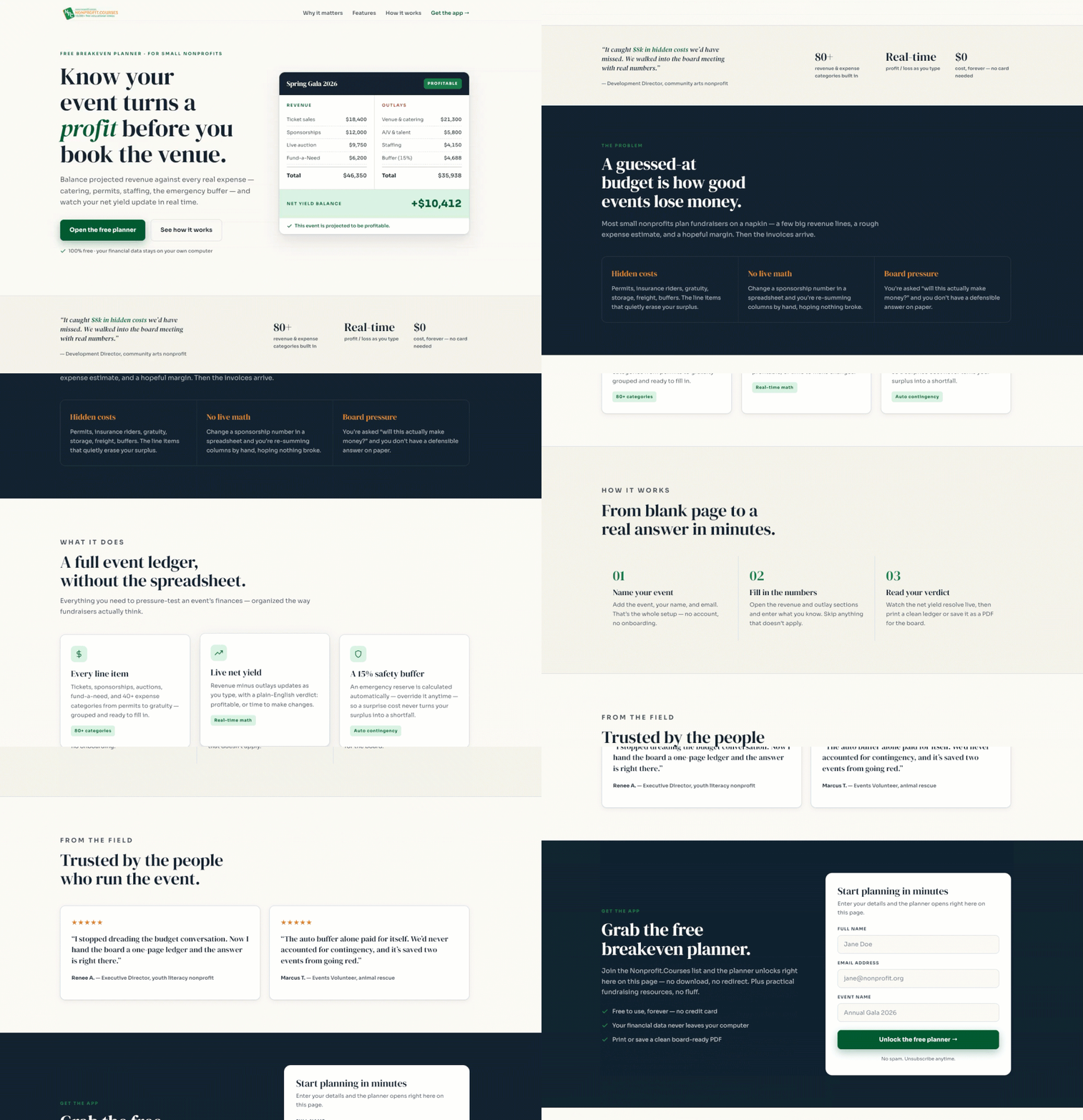
4. Lead magnets that are actually tools

A nonprofit training platform built a breakeven analysis planner, gated behind an email signup, entirely by describing it.
5. Creator and personal brand pages

A full media kit in one page: bio, booking details, appearance schedule, sponsor stats, and a newsletter signup built right in.

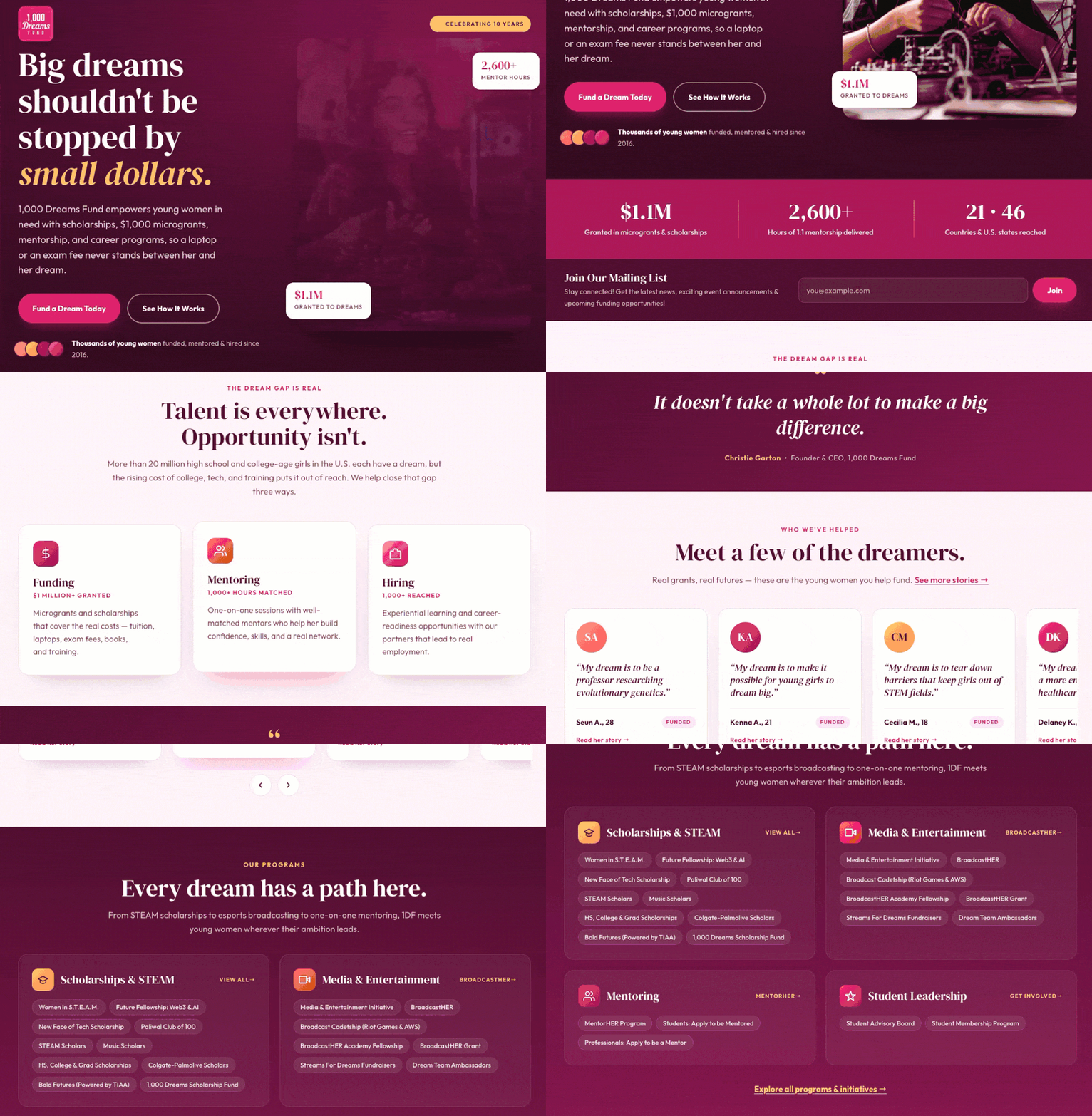
6. Fundraising

A page built around a specific cause or campaign. One goal, one call to action, one place to give.
7. Survey

A page that asks a few questions and turns every response into a subscriber.
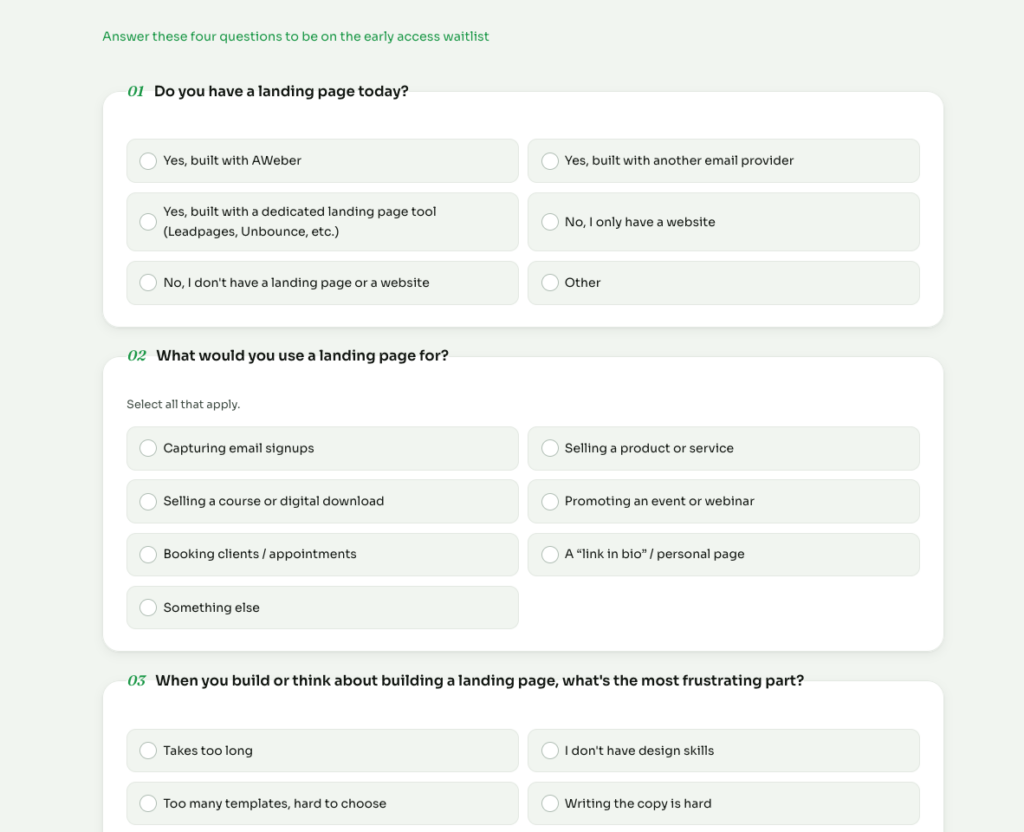
What you can add to your page

Describe any of these, and they show up built into your page.

Image reveals

Content fades and slides in as visitors scroll.

Ambient movement

A slow, continuous drift on a hero image or product shot.

Shimmer animation

Draw attention to your CTA or headlines.
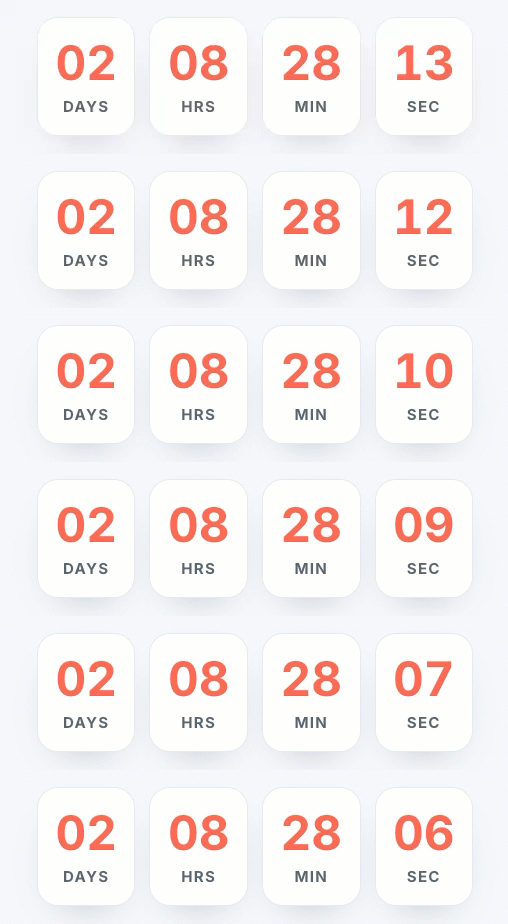
Countdown timer

A live timer counting down to your launch or deadline.
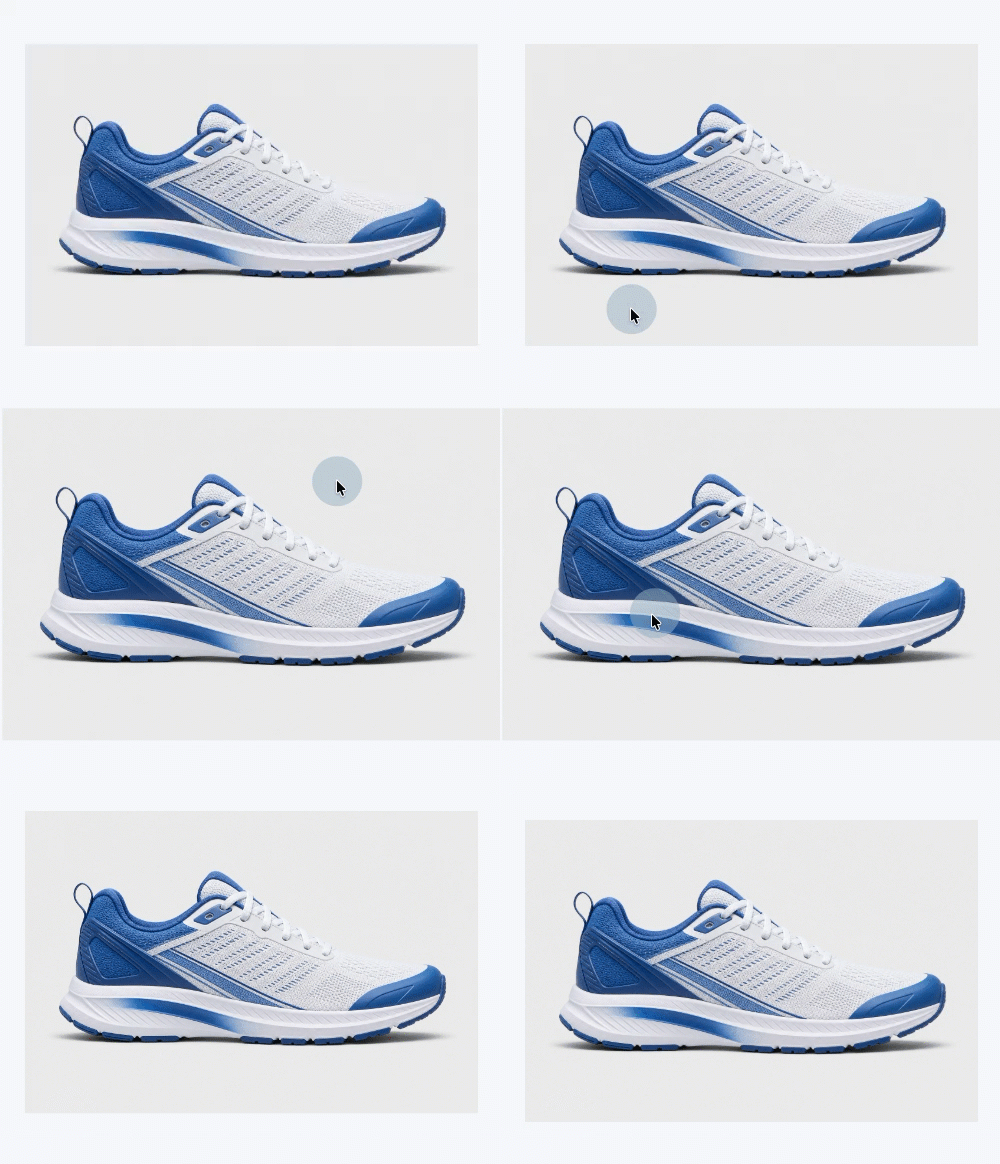
Hover interactions

Product images zoom in smoothly on hover or tap.
Savings calculator

Show what a monthly plan saves compared to one-off pricing.
Quiz

Route visitors to a recommended product or page based on their answers.
Resource builder

Gate a tool or guide behind an email signup.
Enhance your images

You can turn one plain product photo into a dozen versions. Just describe what you want.
From landing page to email list

Set your domain and page path, publish, and every signup becomes a subscriber in your email list immediately.

Describe your first page

Try the AI Landing Page Builder in AWeber today.

Build your first page →


Source link

Builder Goal Landing Minutes page Turn
Share. Facebook Twitter Pinterest LinkedIn Tumblr WhatsApp Email
Previous ArticleHow to Make YouTube Shorts: A Guide for Newbies
admin
  • Website

Related Posts

Brand Genius? Colin Jost Is Just Happy He’s a ‘Non-Idiot’

September 2, 2026

How to Use AI to Dramatically Improve Your Quality : Social Media Examiner

September 1, 2026

From exact match to AI Mode

August 31, 2026

Daily Search Forum Recap: August 28, 2026

August 30, 2026
Leave A Reply Cancel Reply

  • Facebook
  • Twitter
  • Pinterest
  • Instagram
  • YouTube
  • Vimeo
Don't Miss
Marketing

Turn a Goal Into a Landing Page in Minutes with AI Builder

By adminSeptember 4, 20260

By Sean Tinney August 18, 2026 Sell something. Grow your list. Book more clients. Whatever…

How to Make YouTube Shorts: A Guide for Newbies

September 4, 2026

Four moms on raising kids who love the outdoors – Blog

September 4, 2026

Long-tail keywords: the ultimate guide

September 4, 2026

Subscribe to Updates

Get the latest creative news from Trendswave about Marketing, SEO & Web Design.

Please enable JavaScript in your browser to complete this form.
Loading
About Us

Trendswave is an Influencer Marketing Agency with access to one of the largest influencer networks in the Poland, connecting brands and agencies to only the best influencers and social media thought leaders.

Our Picks

Turn a Goal Into a Landing Page in Minutes with AI Builder

September 4, 2026

How to Make YouTube Shorts: A Guide for Newbies

September 4, 2026
Quicklinks
  • Influencer Marketing
  • Marketing
  • SEO
  • Social Media
  • Web Design
  • About Us
  • Contact Us
  • Disclaimer
  • Privacy Policy
  • Terms and Conditions
© 2026 Trendswave.All Rights Reserved

Type above and press Enter to search. Press Esc to cancel.