


You can have fifteen years of experience and a LinkedIn profile that quietly works against you. I see it constantly. The profile is technically complete, every field filled in, and it still does nothing, because a complete profile and a profile that gets you noticed are two different things.
LinkedIn now has over 1.3 billion members, and most of them treat their profile like an online resume they update only when they need a job. That is the wrong model. As the author of Maximizing LinkedIn for Business Growth and someone who has taught social selling and social media marketing at Rutgers Business School for over a decade, I can tell you the profiles that win are the ones built as a living professional storefront, not a static CV. This guide walks you through both: setting the profile up from scratch, and then making it the kind of page that earns clicks, connections, and opportunities. Let’s build yours.
Why Your LinkedIn Profile Matters More Than Your Resume
Your LinkedIn profile works for you around the clock. A resume sits in a folder until you send it. Your profile shows up when a recruiter searches, when a prospect vets you before a call, and when someone you just met looks you up that night. It is the first impression you never get to make in person.
Recruiters and buyers search LinkedIn before they ever reach out, often before a role is posted or a vendor list is drawn up. If your profile is thin or generic, you simply do not surface. The full breakdown of who is on the platform and how they behave lives in my LinkedIn statistics roundup, but the short version is that this is where working professionals with buying power spend their professional attention. That is reason enough to take the profile seriously. For the wider playbook this profile supports, see my LinkedIn marketing strategy guide.
Setting Up Your LinkedIn Account
Creating a LinkedIn account takes about five minutes, and the setup choices you make in those minutes affect how findable you are later. Go to LinkedIn.com, click Join now, and register with an email you actually check. LinkedIn routes connection requests, messages, and opportunities through that address, so pick one you will keep even if you change jobs.
Use a personal email rather than a work one. People change employers, and you do not want your professional identity tied to an inbox you lose access to the day you leave. Once you are in, LinkedIn prompts you to add the basics. Fill in as much as you can right away. A barely-started profile gets shown to almost no one, so the sooner it is reasonably complete, the sooner it starts working.
Spend a few minutes learning the layout before you build. The top navigation holds your Home feed, My Network, Jobs, Messaging, Notifications, and the Me menu where your profile and settings live. LinkedIn refreshes its design from time to time, but those core areas stay put.
Building Your Profile Section by Section
A profile that gets noticed is built one section at a time, and a few sections carry far more weight than the rest. Your photo, headline, and About section do most of the work of convincing someone to stay. Get those three right first, then fill in experience, education, and skills. Below is how each piece earns its place.
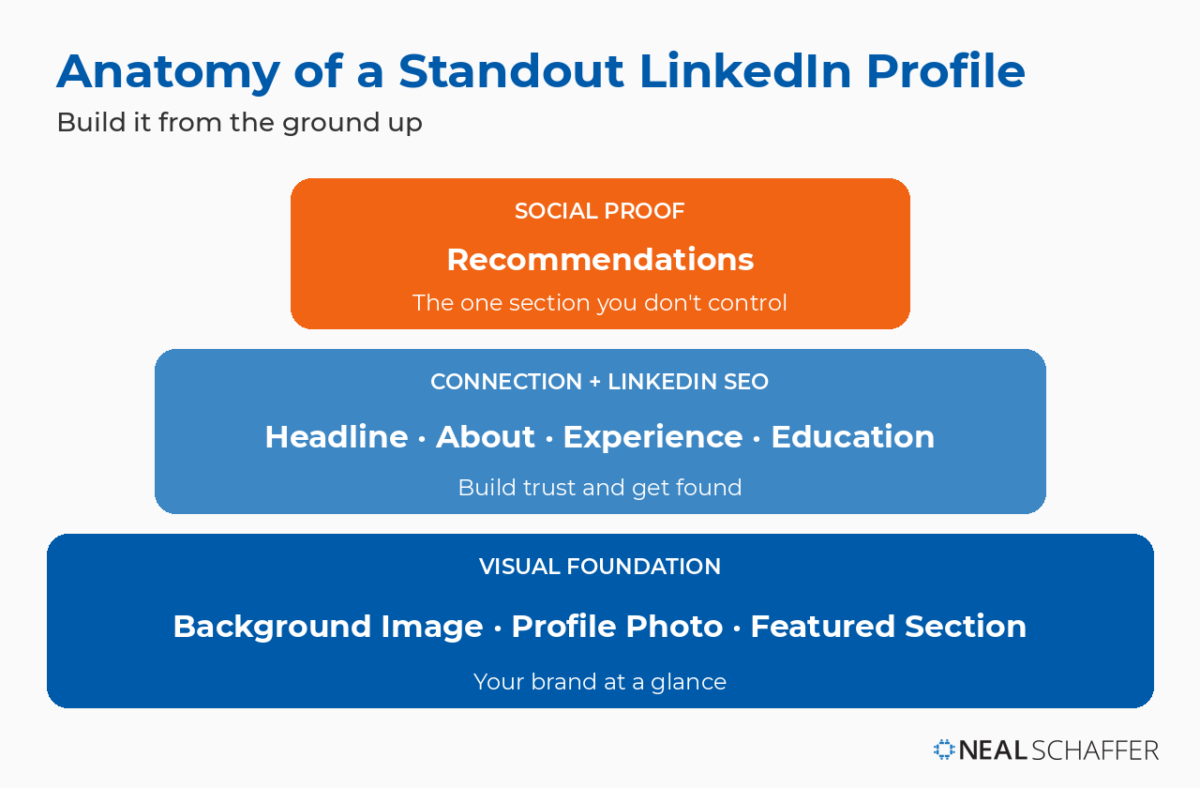
Upload Your Photo and Background Image
Your photo is the first thing anyone registers, often before they read a single word. LinkedIn reports that members with a profile photo receive up to twice as many profile views as those without one. In a world where most first meetings happen on a screen, that photo is your handshake.
Use a recent, well-lit headshot where you look approachable and are the only person in the frame. Dress the way you would for the work you want, and let your face fill most of the image. Skip the cropped wedding photo and the vacation selfie. If you want the full rundown on getting this right, I cover it in my guide to the LinkedIn headshot.
Do not stop at the headshot. The background banner behind it is prime real estate, and most people leave it on the default blue. A simple, on-brand image, your tagline, your company colors, or a clean visual tied to your work, makes the whole profile look intentional. It takes ten minutes, and almost nobody bothers, which is exactly why it sets you apart.
Write a Headline That Earns the Click
Your headline sits under your name and follows you everywhere on LinkedIn, including search results. By default LinkedIn just repeats your job title, which is a wasted opportunity. Think of the headline as your personal billboard. A weak one blends into the feed. A strong one makes someone stop and click.
Let me give you a real example. I once searched LinkedIn for “umbrella insurance” in Orange County. The top results were people whose headlines said nothing more than “Insurance Agent.” None of them told me they handled umbrella policies, none told me why I should pick them, and so I had no reason to click any particular one. A headline that said “Personal Insurance Advisor helping Orange County families protect what they have built” would have won my click outright. Specificity beats job title every time.
Here are formulas that work depending on where you are in your career:
| Headline Formula | Example | Best For |
|---|---|---|
| Title + Company + Value | Digital Marketing Manager at XYZ • Helping brands lift conversion rates | Employed professionals |
| Expertise + Audience + Benefit | Financial advisor helping small business owners secure their future | Consultants and service providers |
| Industry + Proof + Direction | Tech executive • Led 3 startups to exit • Building the next one | Senior leaders and executives |
| Student + Focus + Goal | Marketing student • Future brand strategist • Seeking 2026 internships | Students and recent grads |
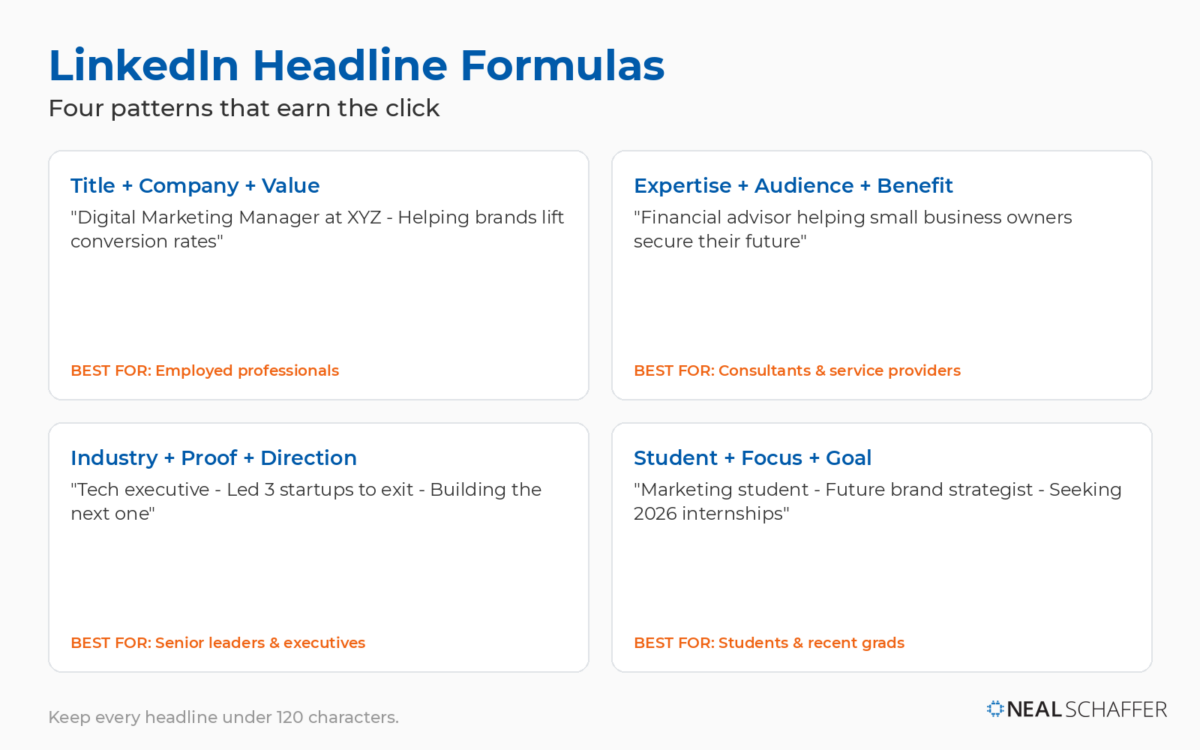
Keep it under 120 characters so it displays cleanly on every device. For a deeper set of patterns and worked examples, see my LinkedIn headline examples.
Sell Yourself Through Your About Section
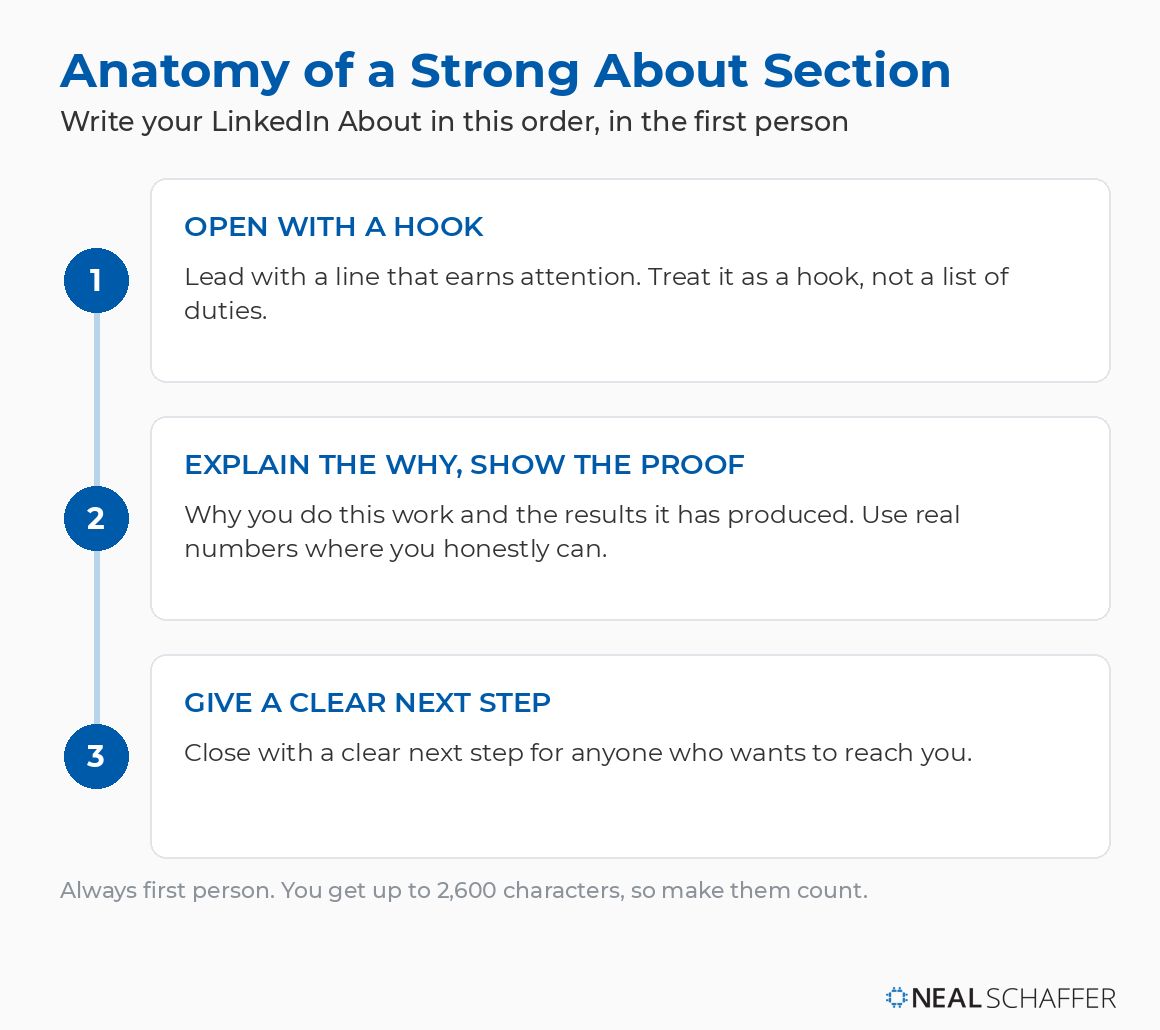
After your photo and headline, the About section is where someone decides whether you are worth their time. You get up to 2,600 characters to explain how you deliver on the promise your headline made. Treat it as your professional summary, written to hook a reader, not to list duties.
Always write in the first person. It reads as you, not as a press release about you. Open with something that earns attention, then tell a little of why you do this work and what results it has produced. Numbers help here, so use them where you honestly can. Close with a clear next step for anyone who wants to reach you. If you would rather start from a model, my LinkedIn profile examples post show strong About sections you can learn from.
Showcase Your Best Work in the Featured Section
The Featured section sits near the top of your profile, and it is the one spot where you control what visitors see first after your photo and headline. Pin the work you want to be known for: a popular post, an article you wrote on LinkedIn, a link to your site, a slide deck, or a short video. It turns a static profile into a working portfolio.
Most people leave this section empty, and that is a missed opportunity. Someone who lands on your profile and sees three strong featured pieces forms a very different impression than someone who sees nothing. Refresh it every few months so what is on display reflects the work you want attention on now.
Detail Your Work Experience
Your Experience section is the proof behind the headline and summary. For each role, include the company, your title, dates, a short description, and, most importantly, specific achievements. “Increased sales 27% by rolling out a new CRM” tells a reader far more than “responsible for sales.”
Overwhelmed by Digital Marketing?
Just released: my new book to help small businesses, entrepreneurs, and marketers master digital marketing in today’s digital-first world.
Drawing on my Fractional CMO experience, Digital Threads simplifies complex strategies into clear, actionable steps for success.
Transform your business today—grab your copy! Click the cover or button below to buy on Amazon.

List positions in reverse chronological order, current role first. For older or less relevant jobs, keep them but trim them down. Add media where you can, a deck, an article, a case study, since LinkedIn lets you attach work samples directly to a role and they make your experience tangible.
Add Education, Skills, and Endorsements
Your education establishes credibility and connects you with fellow alumni, so list your degrees with the most advanced first, plus any certifications and licenses relevant to your field. LinkedIn lets you list up to 50 skills, but do not treat that as a target. Choose the ten or so that match where you want to go, and order the most important first, because those are the ones people see.
Endorsements add weight to those skills, and recommendations add even more. A recommendation is a written testimonial from someone who has worked with you, and it carries more credibility than any self-description. My LinkedIn recommendation examples show how to request and write ones that actually perform.
Should You Use Your Personal Name or Your Company Name?
Use your personal name, not your company name. LinkedIn is a database of people, not companies, and people connect with people. If your profile name is a business, you have given a stranger no human reason to connect with you.
This question comes up constantly, especially from founders and solo operators who want the company front and center. The instinct is understandable, but it backfires. Professionals come to LinkedIn to build relationships, answer questions, and find people worth knowing. A company name in the personal-name field reads as an advertisement, and people resist being advertised to here. Put your business in your headline, your About section, and your experience, where it belongs. Keep your name as your name. An indirect approach, showing up with expertise in comments and conversations, builds your credibility far better than turning your own profile into a billboard for the firm.
Optimizing Your Profile to Get Found
Once the core sections are built, optimization decides whether anyone finds them. LinkedIn works like a search engine for professionals, so the words on your profile determine the searches you appear in. A complete, keyword-aware profile with a clean URL and the right privacy settings gets surfaced. A vague one stays invisible no matter how impressive the person behind it.
Use Keywords Naturally
Identify the terms a client, recruiter, or peer would type to find someone like you, then work them naturally into your headline, About section, and experience. If you are a fractional CFO for startups, those words should appear where they fit. Do not stuff them. A profile that reads like a keyword list repels the human on the other end, and humans are who you are writing for.
Customize Your LinkedIn URL
By default LinkedIn assigns you a URL with a random string of numbers. Customizing it gives you a clean, professional web address you can put on a resume, an email signature, or a business card, and it helps your profile show up in search engines. Ideally use your name with no extra characters. If your name is common and taken, add your profession, like janedoemarketing. I walk through the exact steps in my guide to changing your LinkedIn URL.
Review Your Privacy and Visibility Settings
LinkedIn gives you detailed control over who sees what. Decide who can view your profile and activity, whether your network is notified when you make edits, and whether to switch on the Open To signal that tells recruiters you are available. For most people building a presence, lean toward higher visibility. The exception is a confidential job search, where you will want to tighten things down.
Building Your Network
A profile with no network is a storefront on an empty street. Once your profile is solid, start connecting, beginning with people you actually know, then expanding outward from there. LinkedIn suggests connections from your contacts, history, and education, which makes the first wave easy. Quality of connection matters more than raw count.
When you reach out to someone you do not know well, add a short personal note explaining why. Generic requests get ignored, while a thoughtful line gets accepted. From there, engage. Comment on your connections’ posts, share things worth sharing, and join groups in your field. That activity is what keeps you visible and brings the next round of connections to you. I go deeper on this in my guide to growing your LinkedIn network.
Measuring Whether Your Profile Is Working
LinkedIn tells you whether your profile is doing its job, if you look. Your dashboard shows profile views, search appearances, and how your posts perform. If views are high but nothing comes of them, the problem is usually your headline or About section, not your reach. If views are low, the problem is visibility, and you go back to keywords and activity.
It helps to understand the numbers you are reading. If you have ever wondered what an impression on LinkedIn actually counts as, and how it differs from a view, that distinction changes how you read your own analytics. LinkedIn also gives you a Social Selling Index score that rates how well you establish your brand, find the right people, engage, and build relationships. Treat these as a feedback loop. Check them, adjust, and check again.
Common Profile Mistakes to Avoid
Most weak profiles fail for the same handful of reasons, and every one of them is fixable in an afternoon. Avoid the no-photo or unprofessional-photo trap, the vague headline that names a title and nothing else, the half-empty profile, outdated experience, and buzzword soup in place of plain language. Each of these quietly costs you views and opportunities.
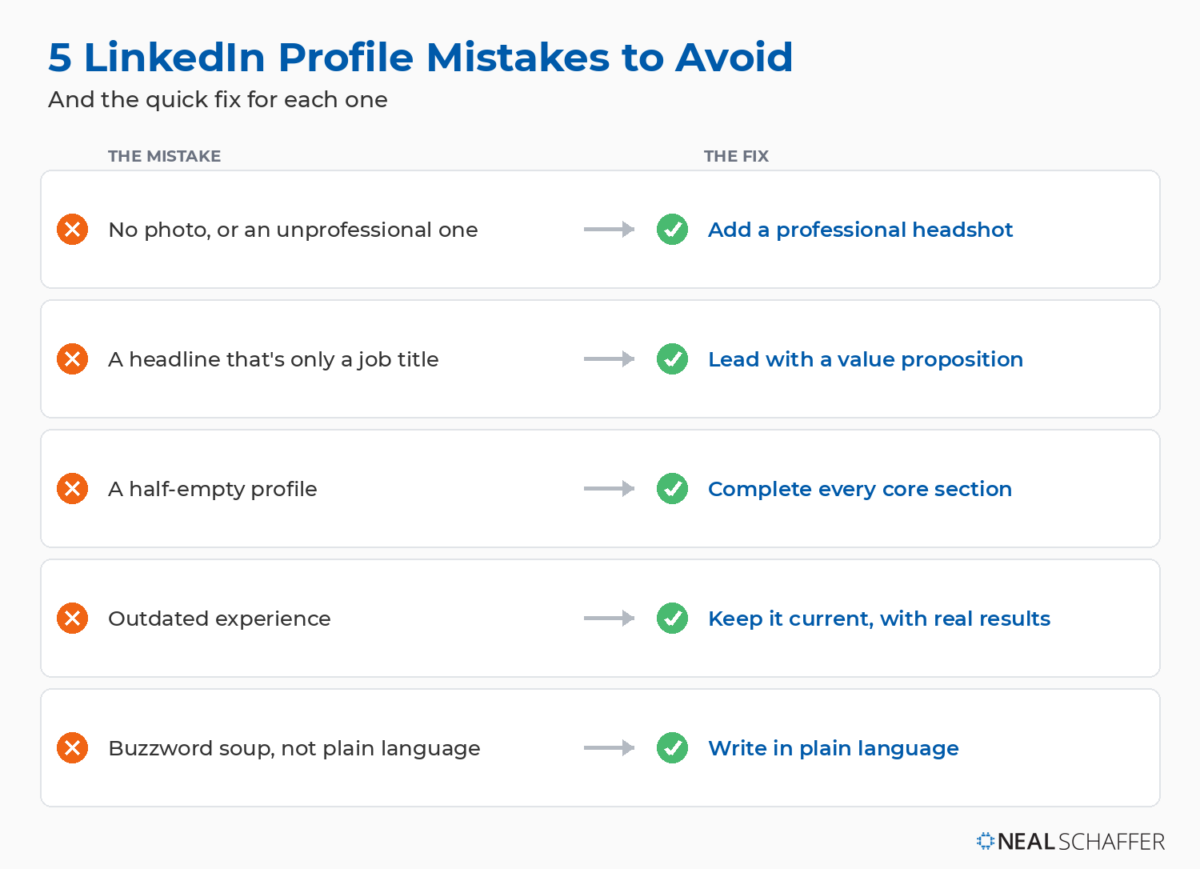
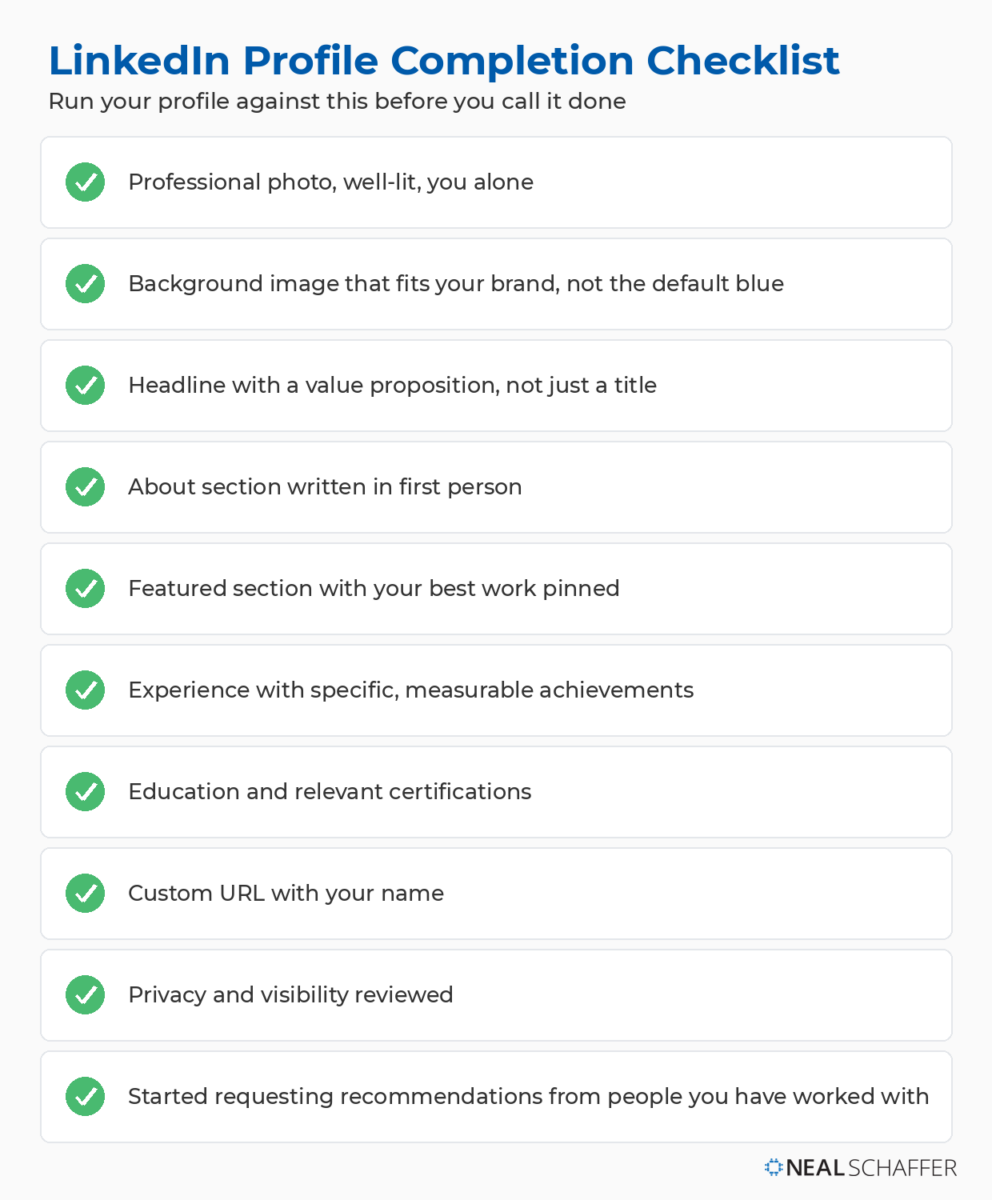
I keep a running list of the specific errors I see most often in my LinkedIn profile mistakes breakdown, and a section-by-section LinkedIn profile tips checklist you can run your own profile against. For the broader habits that separate strong LinkedIn presences from forgettable ones, my LinkedIn best practices guide pulls it together.
| Profile Element | Status |
|---|---|
| Professional photo, well-lit, you alone | ☐ |
| Background image that fits your brand, not the default blue | ☐ |
| Headline with a value proposition, not just a title | ☐ |
| About section written in first person | ☐ |
| Featured section with your best work pinned | ☐ |
| Experience with specific, measurable achievements | ☐ |
| Education and relevant certifications | ☐ |
| Custom URL with your name | ☐ |
| Privacy and visibility reviewed | ☐ |
| Started requesting recommendations from people you have worked with | ☐ |
Keep Your Profile Working for You
A LinkedIn profile is never finished. As your work changes, your profile should change with it, so set a reminder to revisit it every quarter. Ask colleagues and clients for recommendations, post things worth reading so you stay visible in feeds, and use the Open To feature when you want specific opportunities to find you.
The people who get the most from LinkedIn do not see the profile as a one-time setup. They treat it as an ongoing asset, updated and engaged with, and it pays them back accordingly. Start with the three that matter most, your photo, headline, and About section, then work down the rest. For the full playbook this profile feeds into, my LinkedIn marketing strategy guide pulls it together. And if you would like help building a LinkedIn presence as part of a coordinated marketing strategy, A strong profile is the starting point. My book Maximizing LinkedIn for Business Growth shows you how to turn it into a LinkedIn presence that brings in real business. Get the book here.
Actionable advice for your digital / content / influencer / social media marketing.
Join 13,000+ smart professionals who subscribe to my regular updates.
